Rotation & Rotation Blocks · 2 minutes
The rotation screen
The rotation screen shows who's on stage and who's up next, and updates by itself.
Who: Everyone
Where: A TV near the stage, or any screen
Before you start: Nothing
-
On a TV
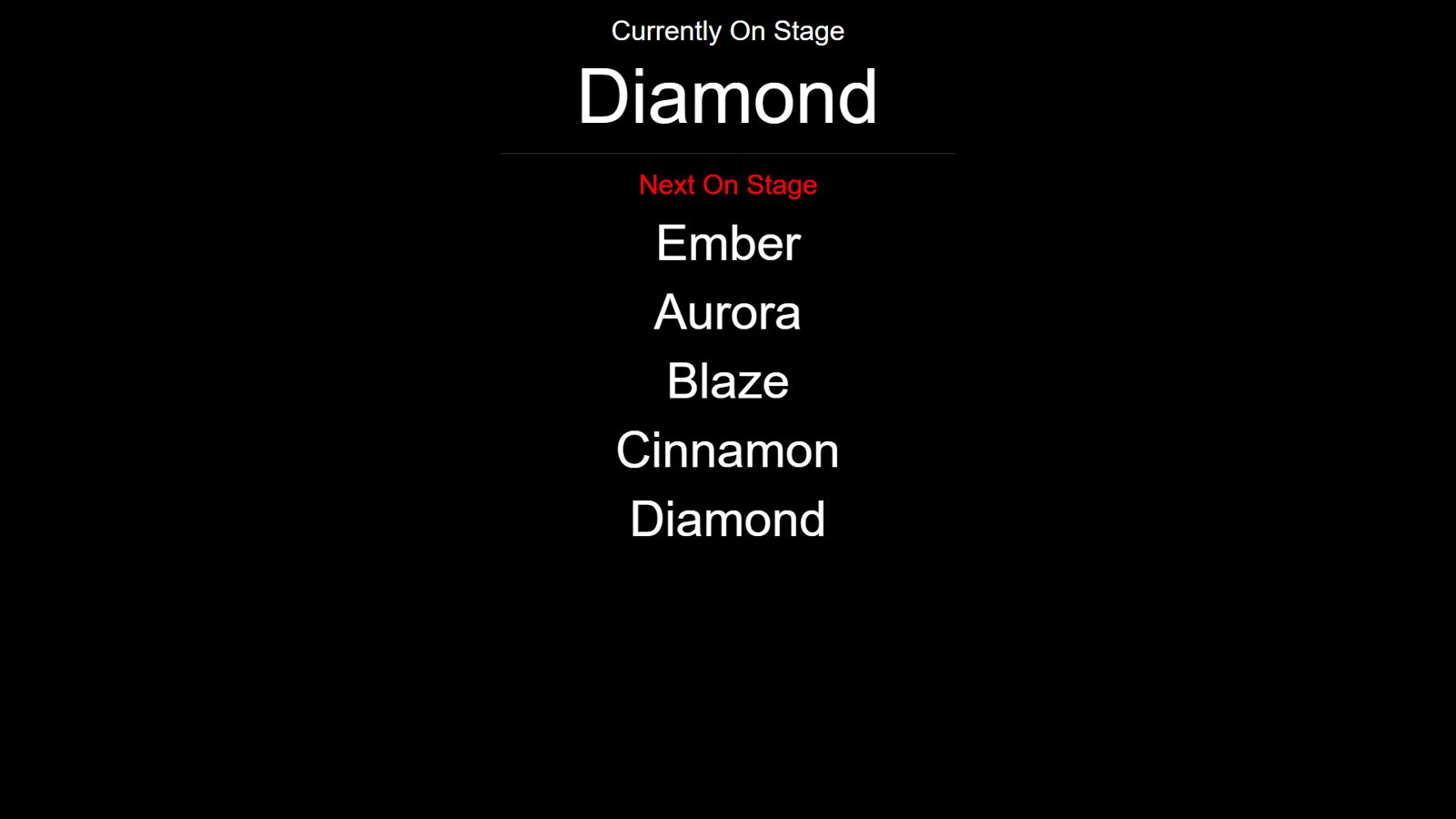
The club's rotation screen, on a TV near the stage: Currently On Stage, then Next On Stage in order.
-
On any screen
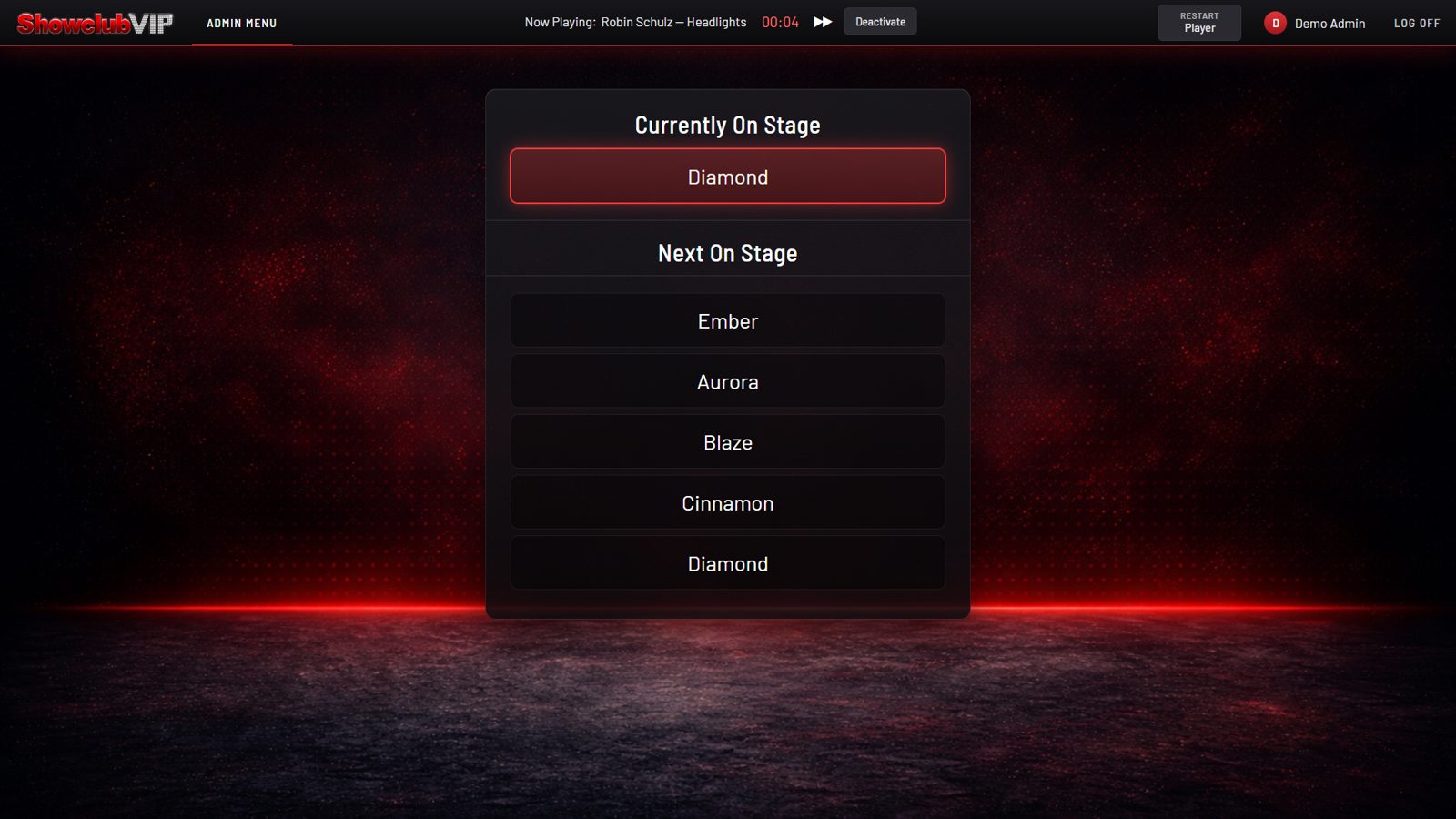
The Rotation link at the top shows the same thing wherever you are. It only shows the rotation; nothing there changes it.
-
The timer and the red line
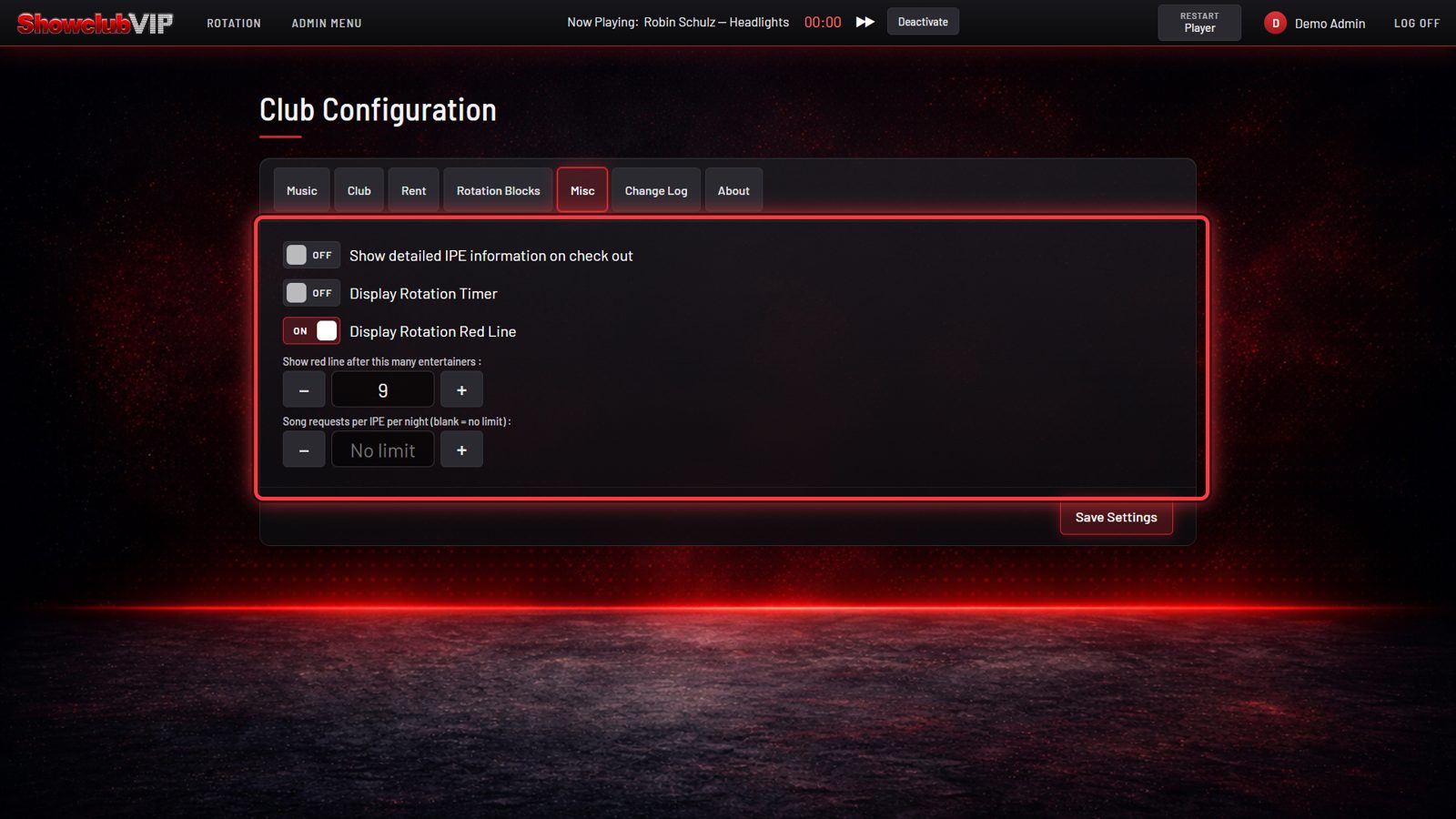
In Club Configuration › Misc, Display Rotation Timer adds the time left in the set, and Display Rotation Red Line adds a red line after the number of entertainers you pick. Tap Save Settings.
Try it on the live demo
The demo club is the full system, with IPEs checked in and the rotation moving. Ask for your one-time PINs and try it yourself.
Request demo access