Rotation & Rotation Blocks · 4 minutes
Adding, moving and removing songs
The music library is on the left of Specials & Rotation and tonight's playlist on the right. Every change saves at once and shows on every screen.
-
Add a song
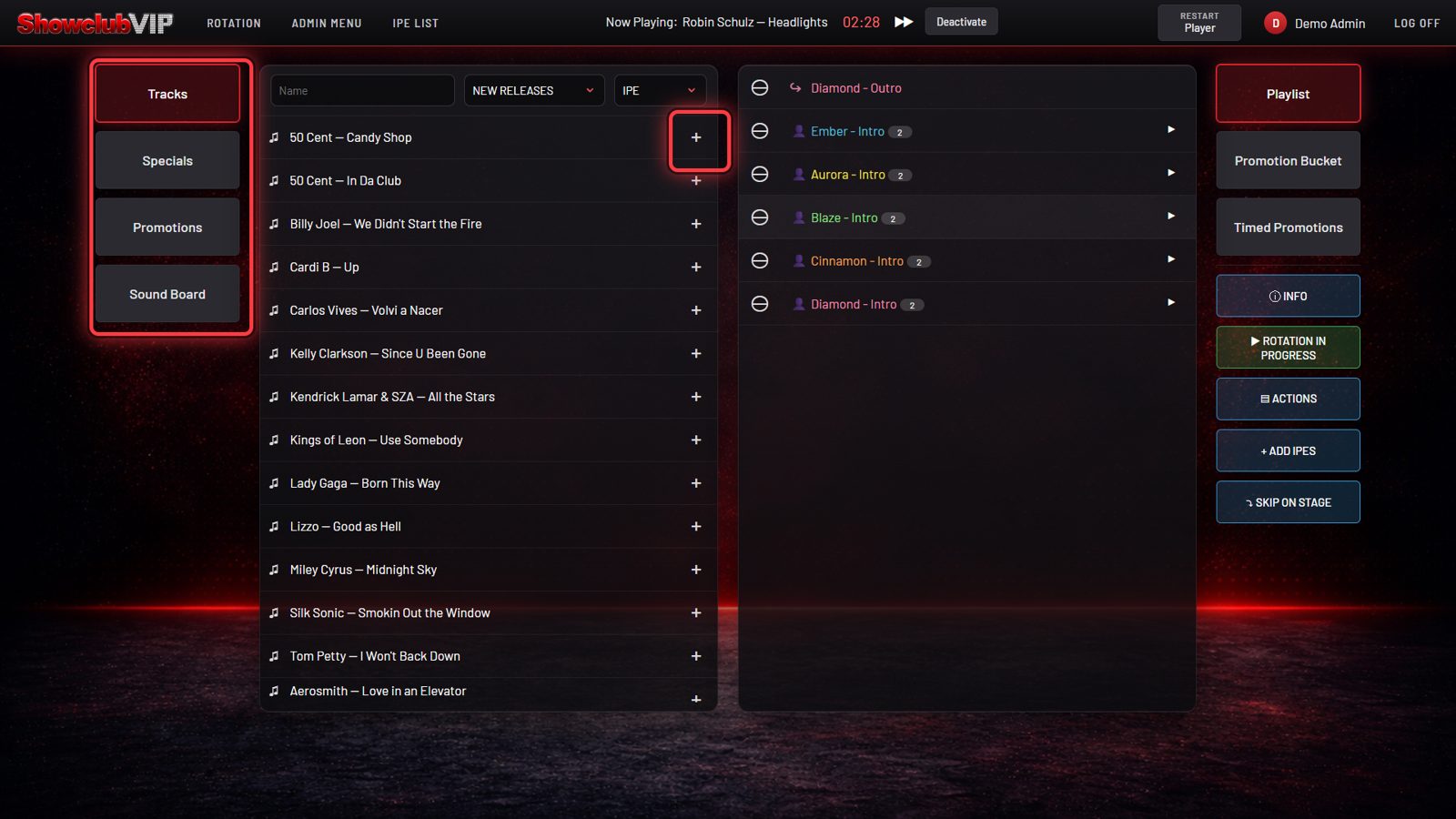
Down the left are Tracks, Specials, Promotions and the Sound Board. Tap + beside a song to add it to the end of the playlist.
-
No break songs?
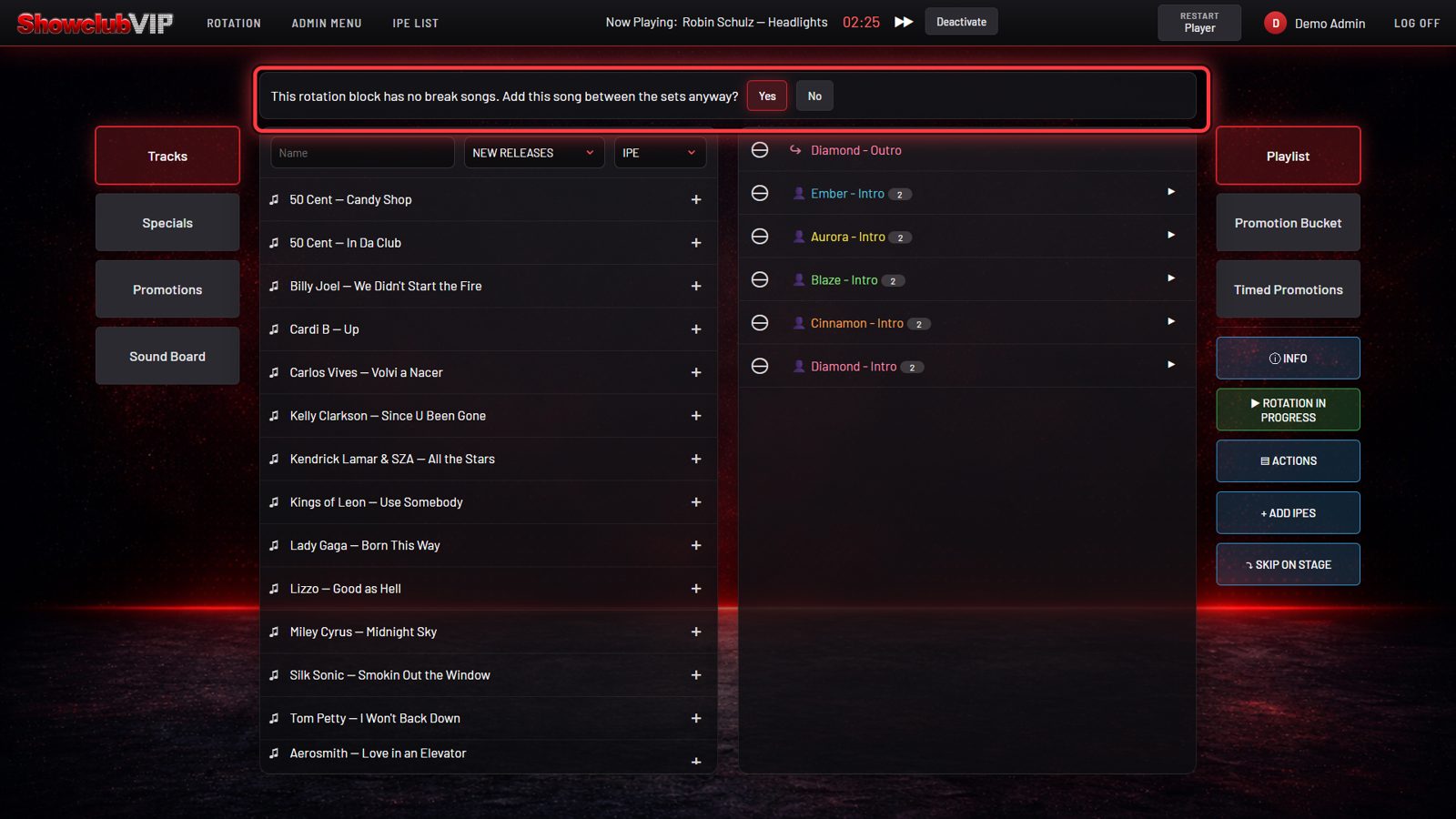
If the rotation block has no break songs, a song added between sets asks first. Yes adds it anyway; No leaves the playlist as it was.
-
Take a song out
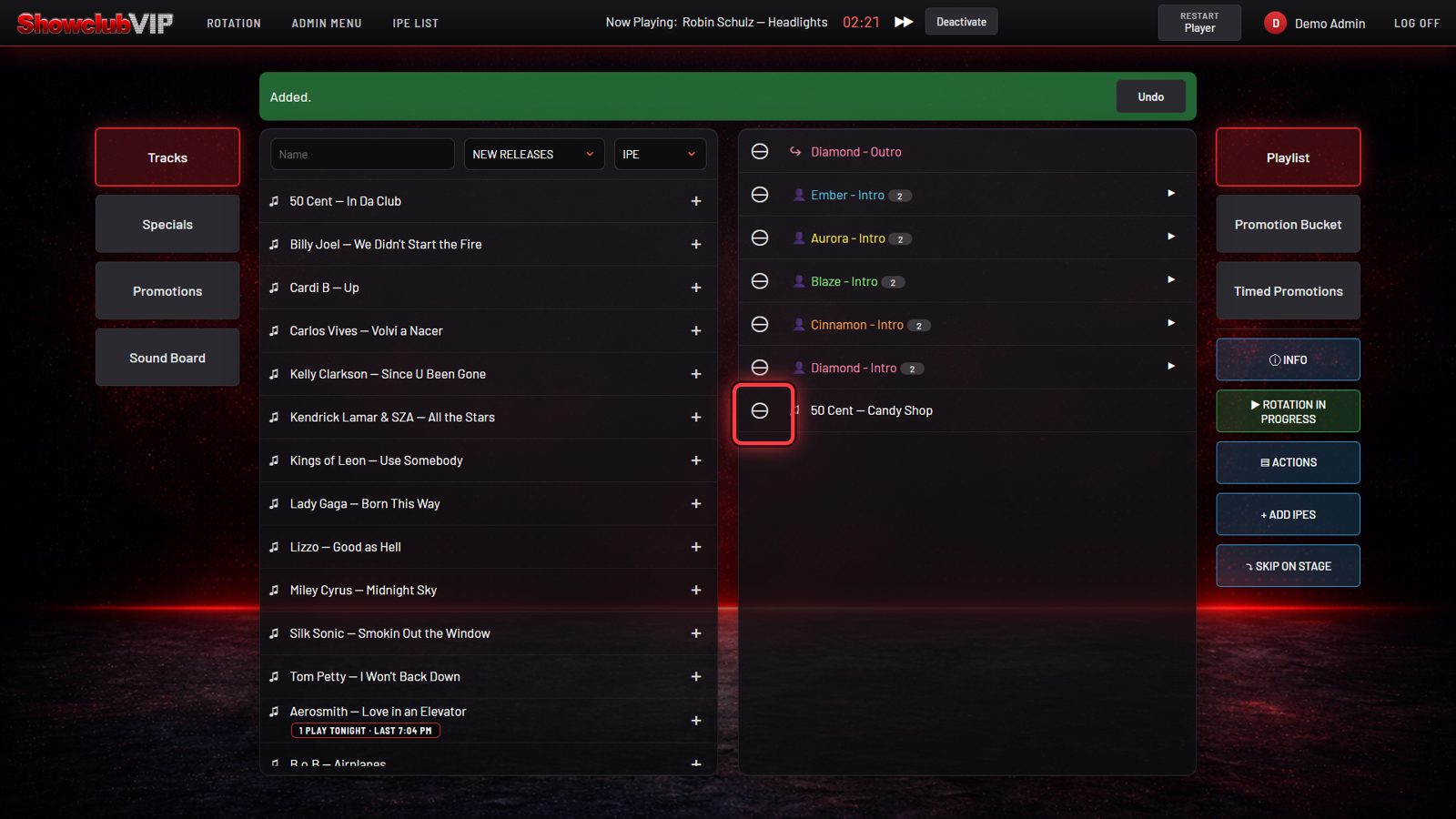
Tap ⊖ beside a song to take it out of the playlist.
-
Open a set
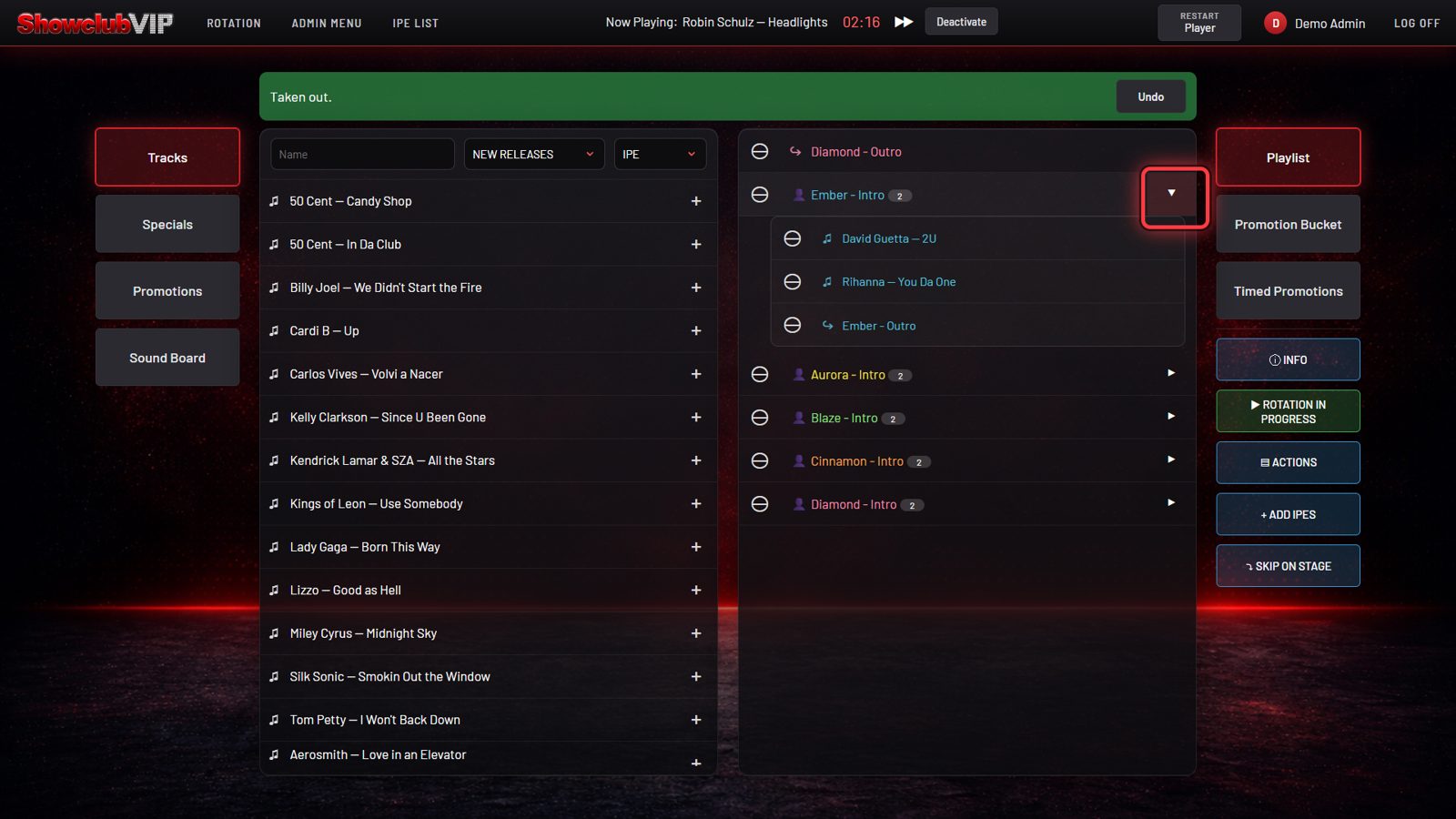
Tap the arrow beside an IPE's intro to open their set and see the songs. Tap it again to fold it away.
-
Move a song
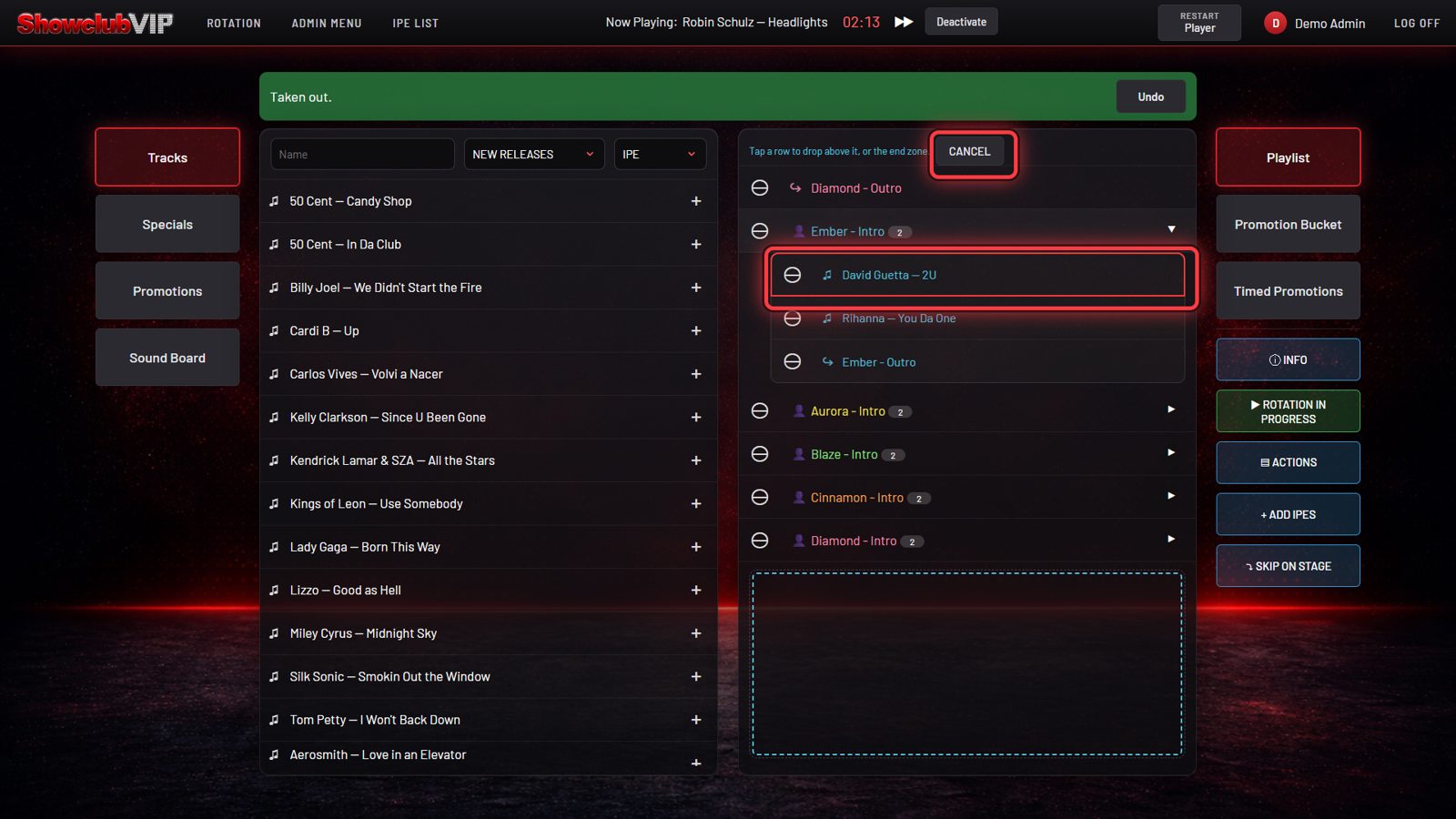
Tap a song to pick it up, then tap the row it should go above, or the empty space at the end. Cancel puts it back down. On a tablet you can also hold and drag.
-
Take out a set
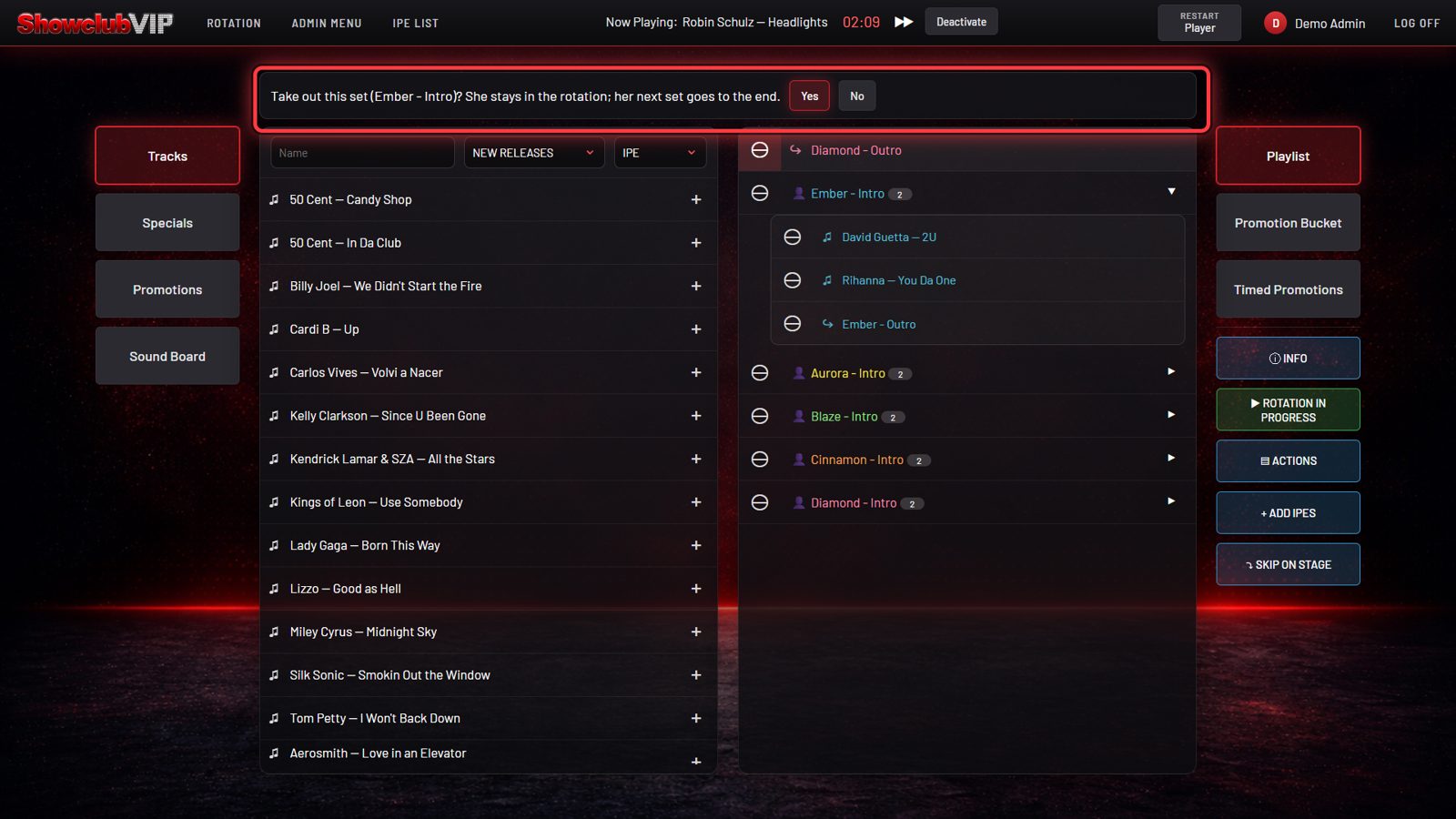
The ⊖ beside the intro takes out this set. The IPE stays in the rotation, and their next set goes to the end. It asks first.
-
Finding a track
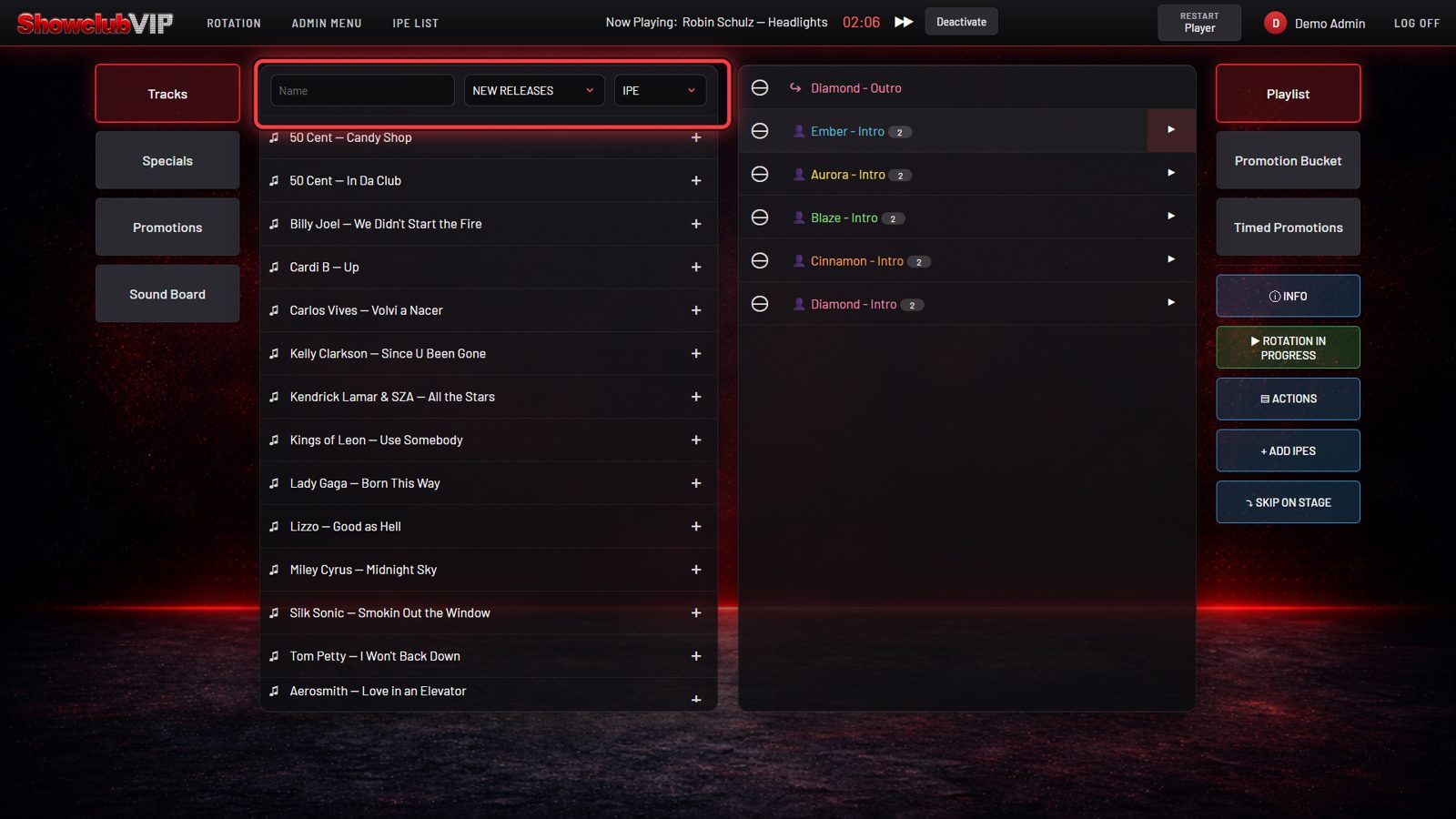
Search by name, or narrow the list to a genre or to one IPE's playlist with the boxes above it.
Try it on the live demo
The demo club is the full system, with IPEs checked in and the rotation moving. Ask for your one-time PINs and try it yourself.
Request demo access