IPEs & Rent · 3 minutes
Checking IPEs in and out
An IPE can check in on their own, a manager can do it for them, or it can come from the club's POS.
-
On their own
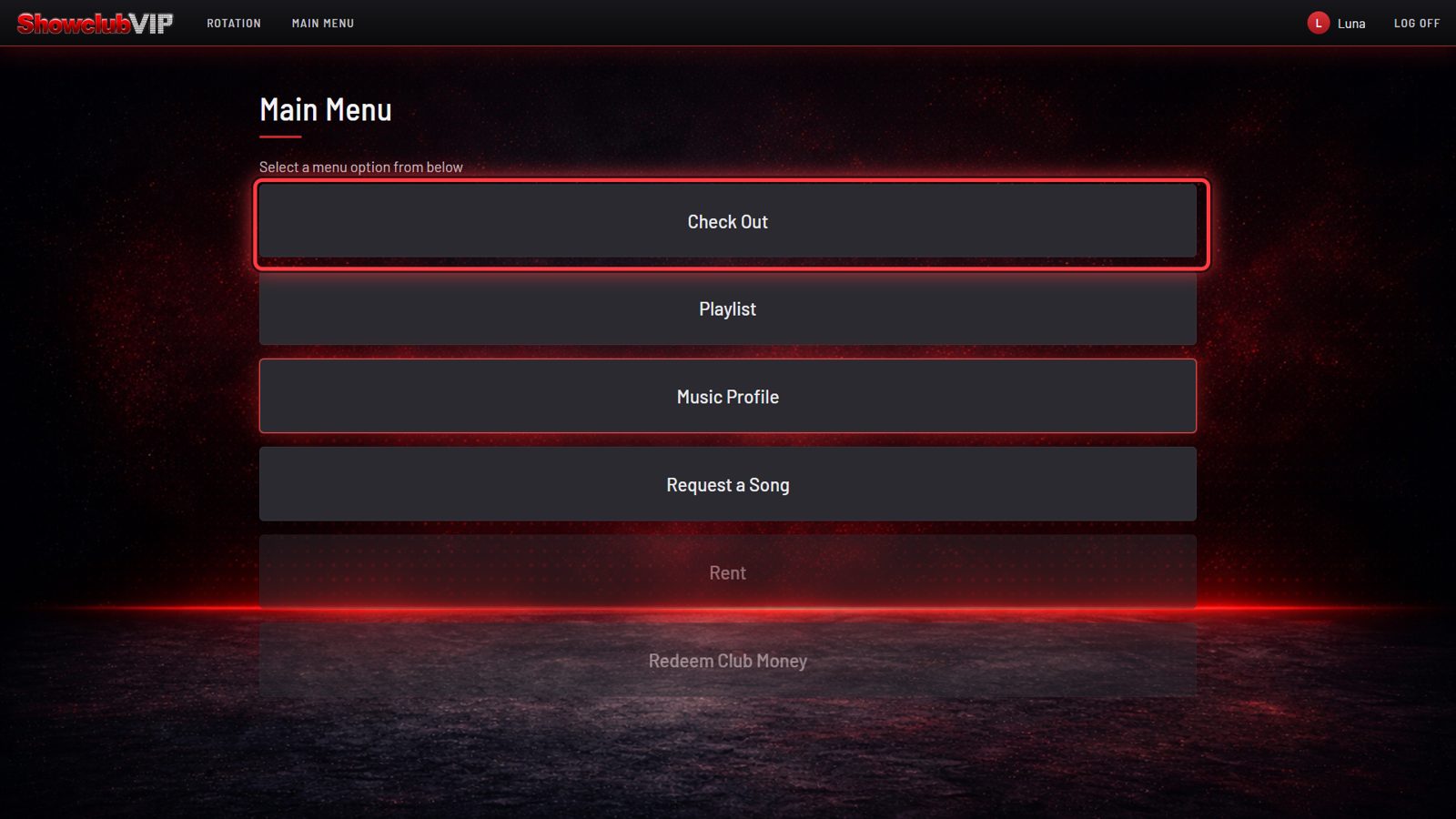
At the kiosk or a tablet, the IPE taps IPE on the Login screen, types their PIN, then taps Check In. Once they're on shift, the same button reads Check Out.
-
From the IPE List
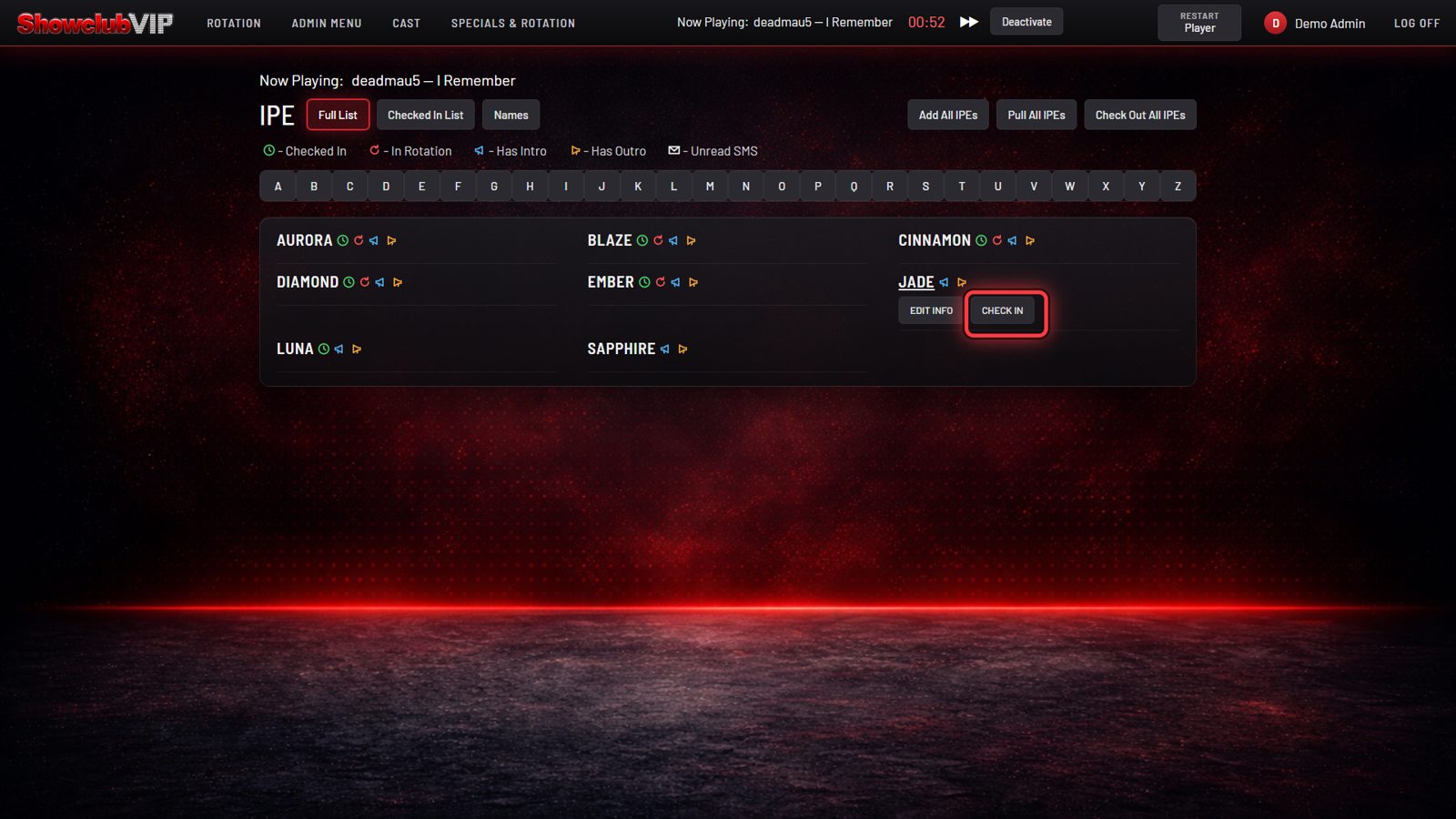
On the Main Menu tap IPE List, then Full List. Tap the IPE's name, then Check In. The letters along the top narrow the list to a first letter.
-
From the POS
If your club's POS is connected to ShowclubVIP (HausVue and ClubTrax today, and we're happy to connect any POS), check-ins can come straight from it.
-
Everyone at once
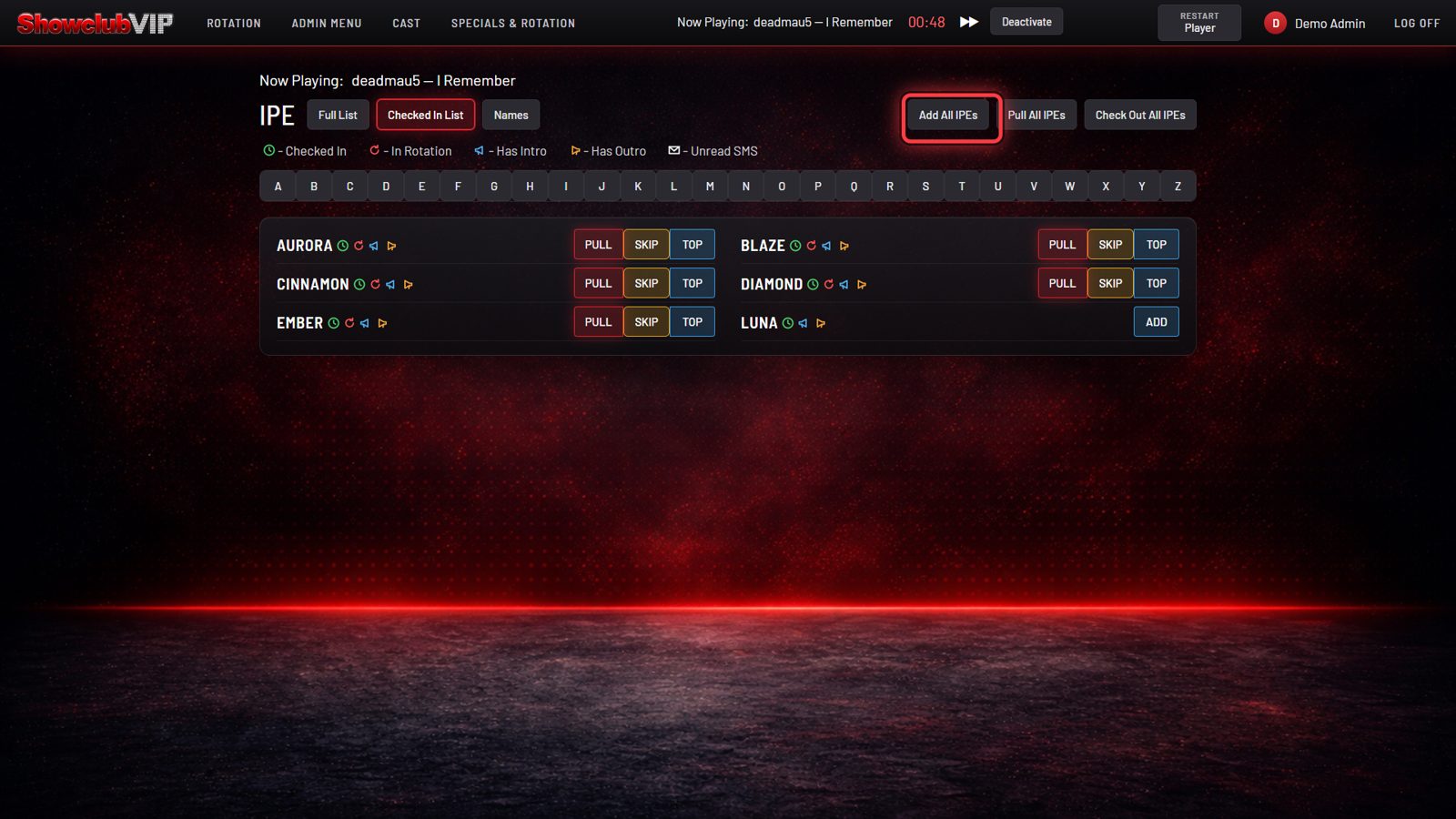
Checked In List shows everyone on shift tonight, each with Pull, Skip and Top, or Add if they aren't in the rotation. Add All IPEs, Pull All IPEs and Check Out All IPEs work on everyone at once, and each asks first.
Try it on the live demo
The demo club is the full system, with IPEs checked in and the rotation moving. Ask for your one-time PINs and try it yourself.
Request demo access