IPEs & Rent · 2 minutes
The Dance Tracker
Out on the floor, a tablet records dances as they happen. The Dance Tracker is a free add-on, switched off by default: email [email protected] to ask about enabling it for your club.
-
Sign in
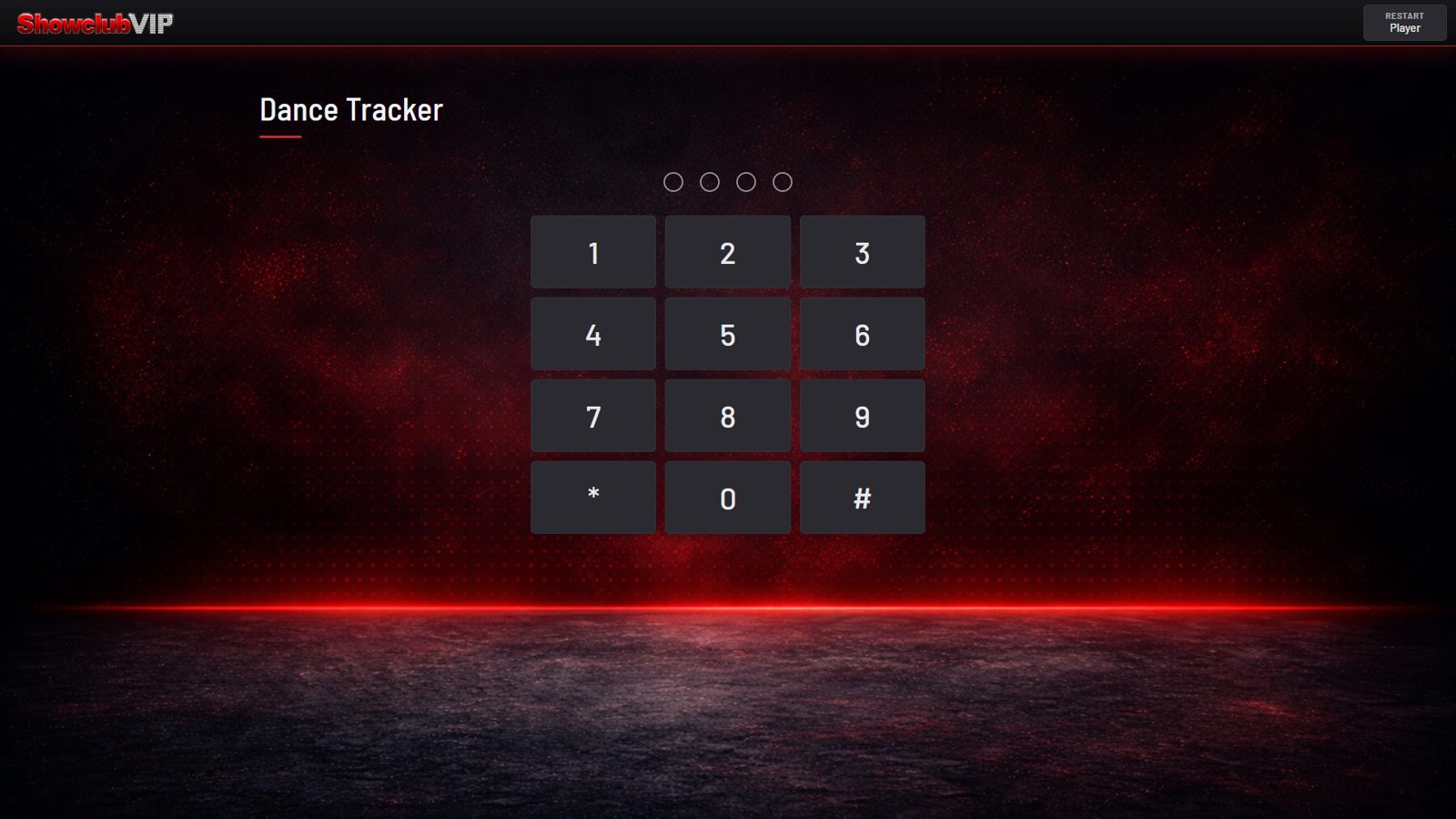
On the Login screen, a Dance Tracker login taps Administrator and types their PIN: it goes straight to the Dance Tracker. Managers can also open the Dance Tracker on the floor tablet and type their own PIN.
-
Record a dance
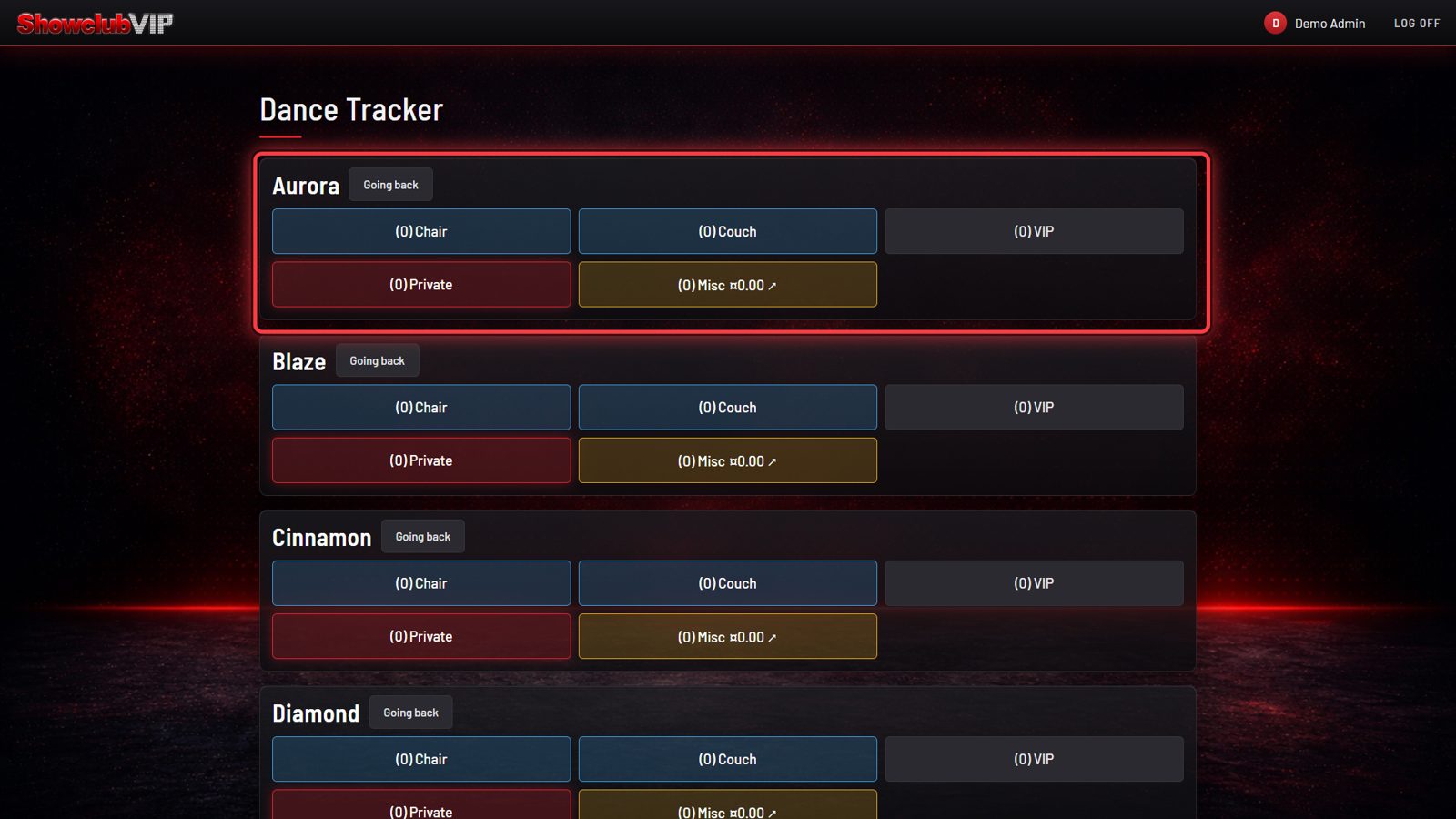
Every IPE checked in has a button for each kind of dance: chair, couch, VIP and private. One tap records it, the same as on the IPE List. Misc adds or takes off any other amount, and Cancel leaves it as it was.
-
Dance Tracker logins
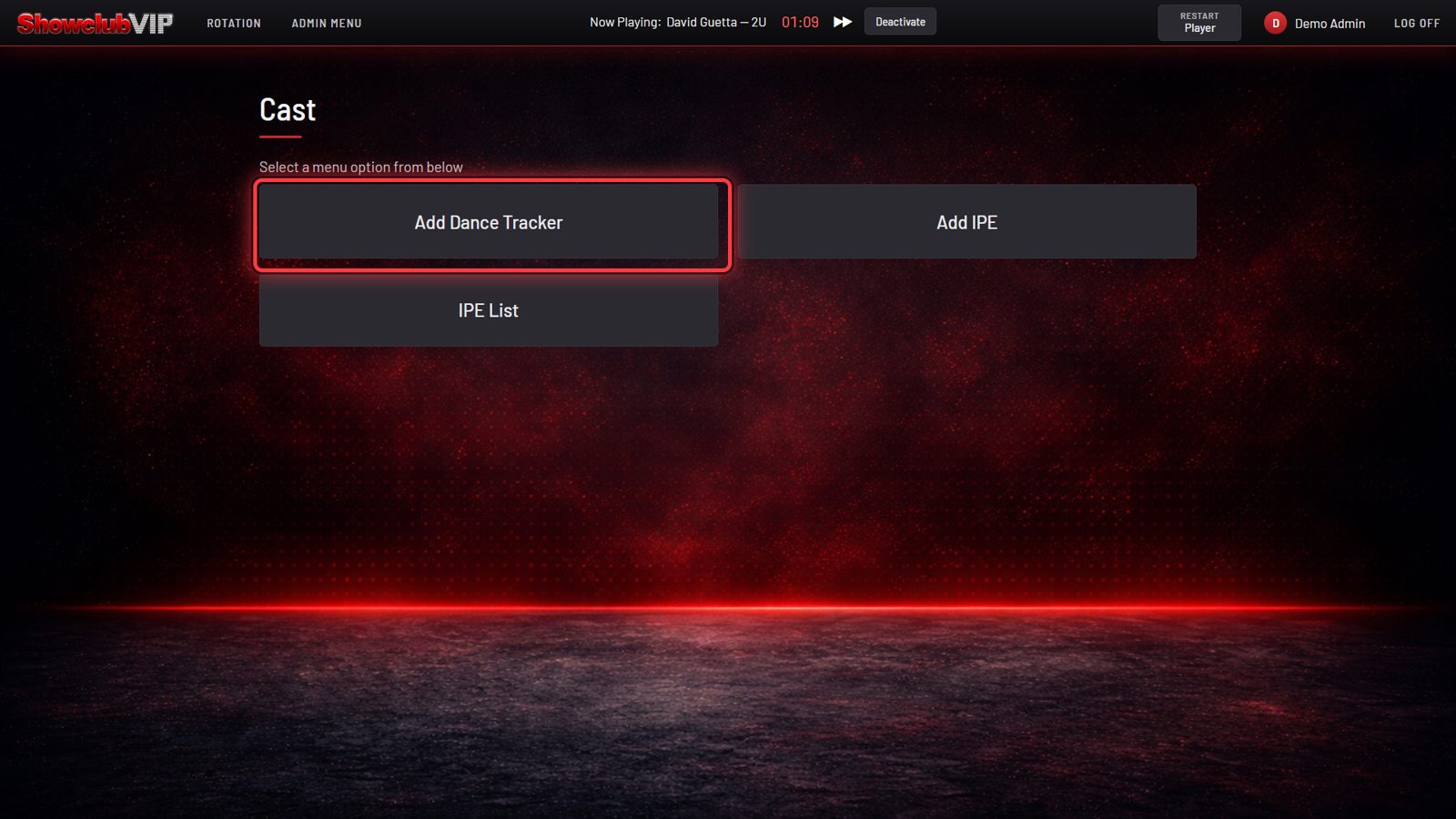
For floor staff who only record dances: on the Main Menu tap Cast, then Add Dance Tracker. A name and a PIN that only work on the Dance Tracker.
Try it on the live demo
The demo club is the full system, with IPEs checked in and the rotation moving. Ask for your one-time PINs and try it yourself.
Request demo access