IPEs & Rent · 3 minutes
An IPE's playlist and Music Profile
Each IPE picks the songs they dance to from the club's library.
Who: IPEs
Where: Kiosk or tablet
Before you start: Signed in as the IPE
-
The IPE menu
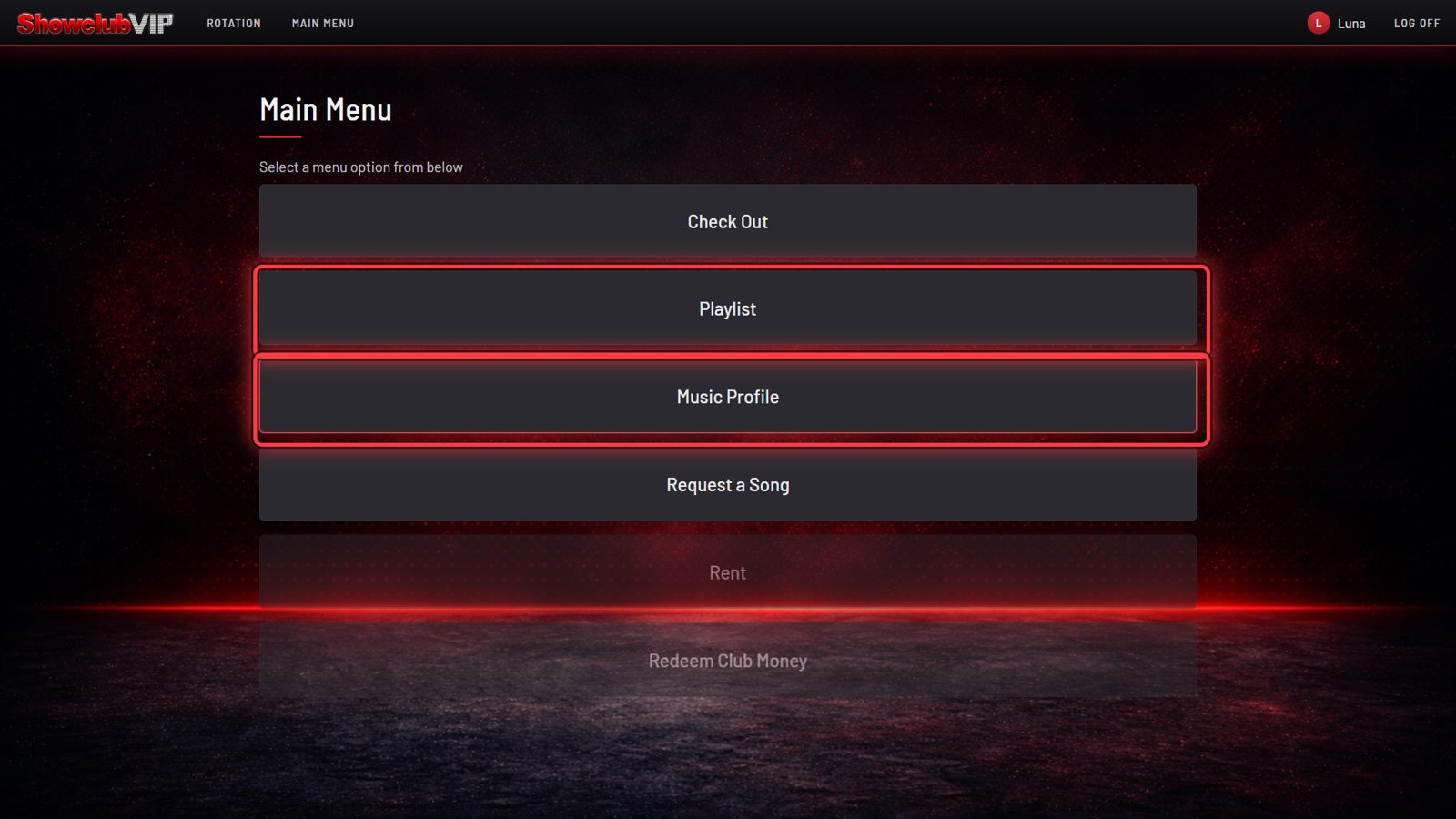
After signing in, the IPE taps Playlist for their songs, or Music Profile for the genres they like.
-
The playlist
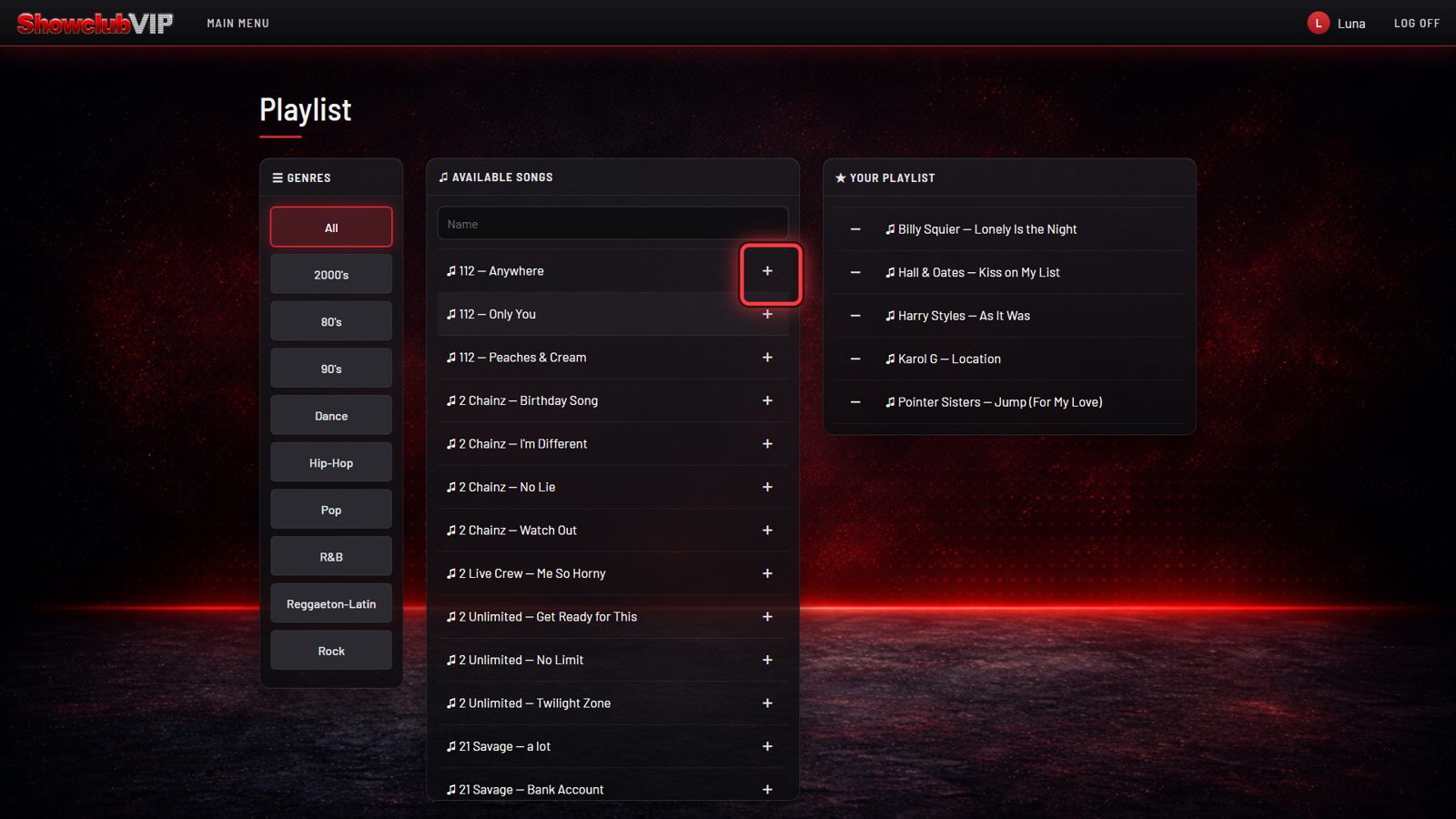
Pick a genre on the left, or search, then tap + beside a song to add it; − on the right takes it off. The IPE's playlist comes first when their sets are made.
-
Music Profile
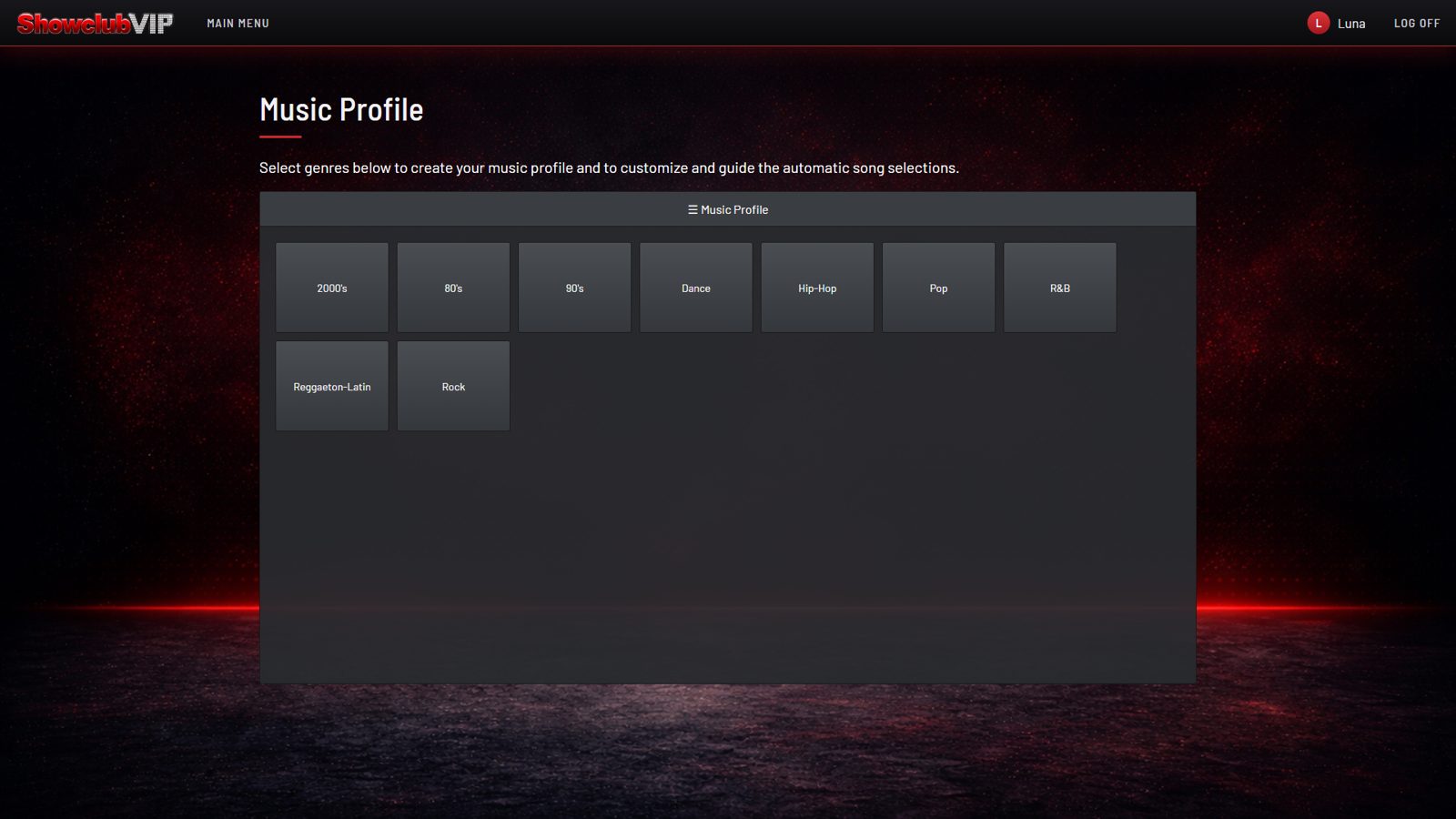
Tap the genres the IPE likes. When nothing on their playlist can play, their songs come from these.
-
A manager's PIN first?
If the club sets an IPE Playlist PIN (Club Configuration › Music › IPE Playlist), a manager types it before the IPE can change their playlist.
Try it on the live demo
The demo club is the full system, with IPEs checked in and the rotation moving. Ask for your one-time PINs and try it yourself.
Request demo access