Getting started · 2 minutes
Using ShowclubVIP on a tablet
Managers can run the rotation from a tablet as they walk the floor, and IPEs can check in and pick their music.
Who: Managers, DJs and IPEs
Where: An Android tablet
Before you start: The club's ShowclubVIP Wi-Fi
-
Get the app
Install the ShowclubVIP app from Google Play.
-
Join the club's Wi-Fi
Connect the tablet to your club's ShowclubVIP Wi-Fi. The app finds your club's system by itself.
-
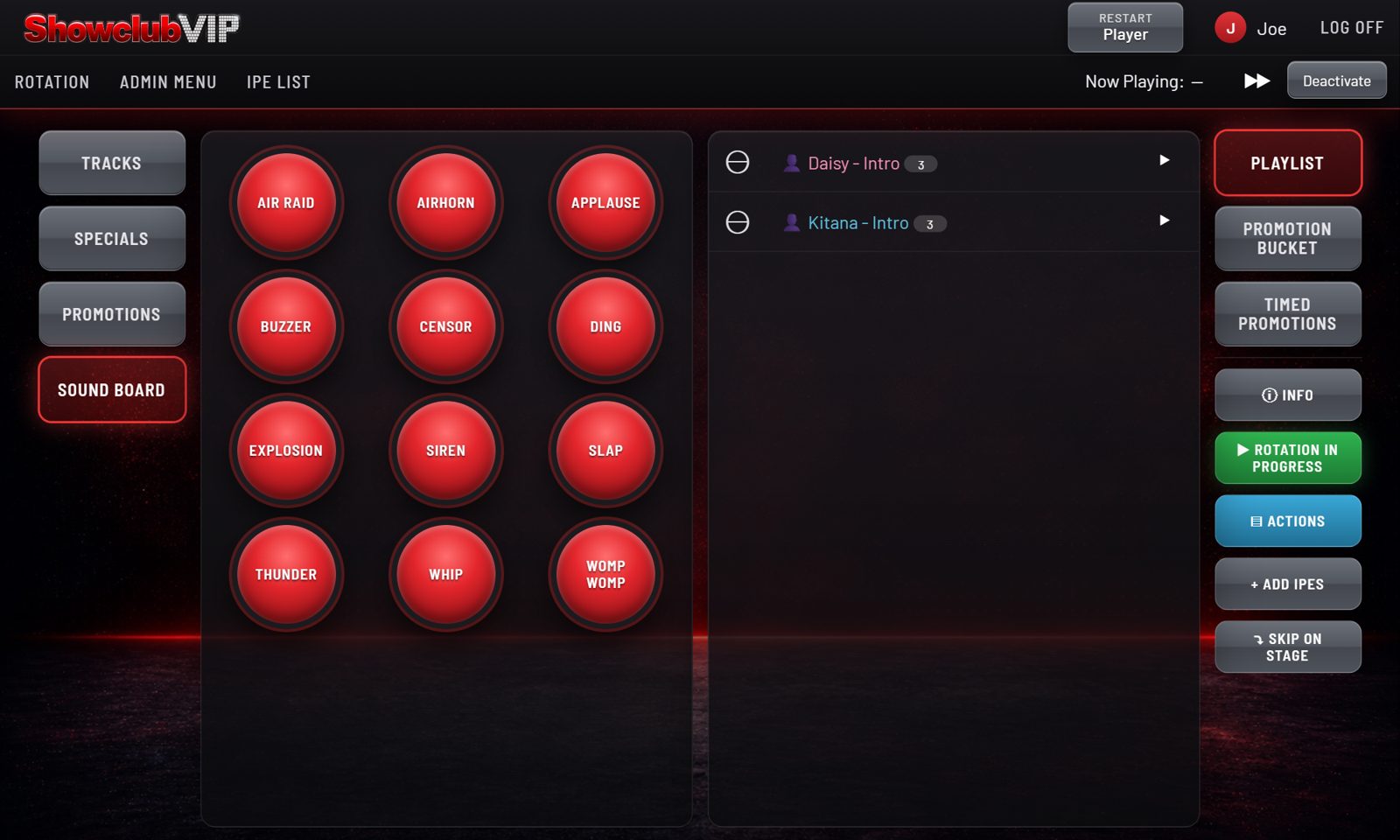
Sideways
Everything works the same way as at the booth. Held sideways, Specials & Rotation keeps its big buttons down the sides.
-
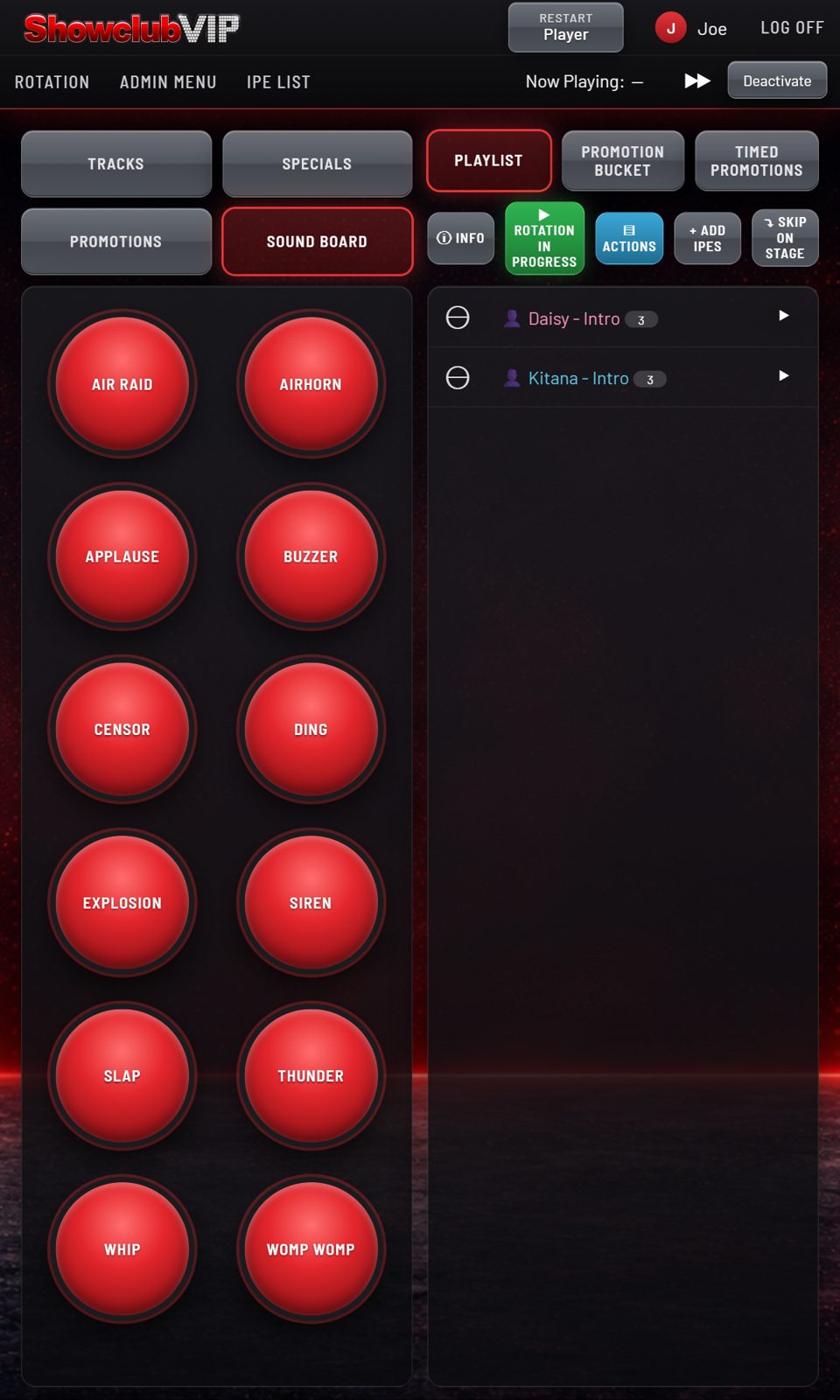
Upright
Held upright, the buttons sit above the lists, and the lists fill the screen.
Try it on the live demo
The demo club is the full system, with IPEs checked in and the rotation moving. Ask for your one-time PINs and try it yourself.
Request demo access