Getting started · 2 minutes
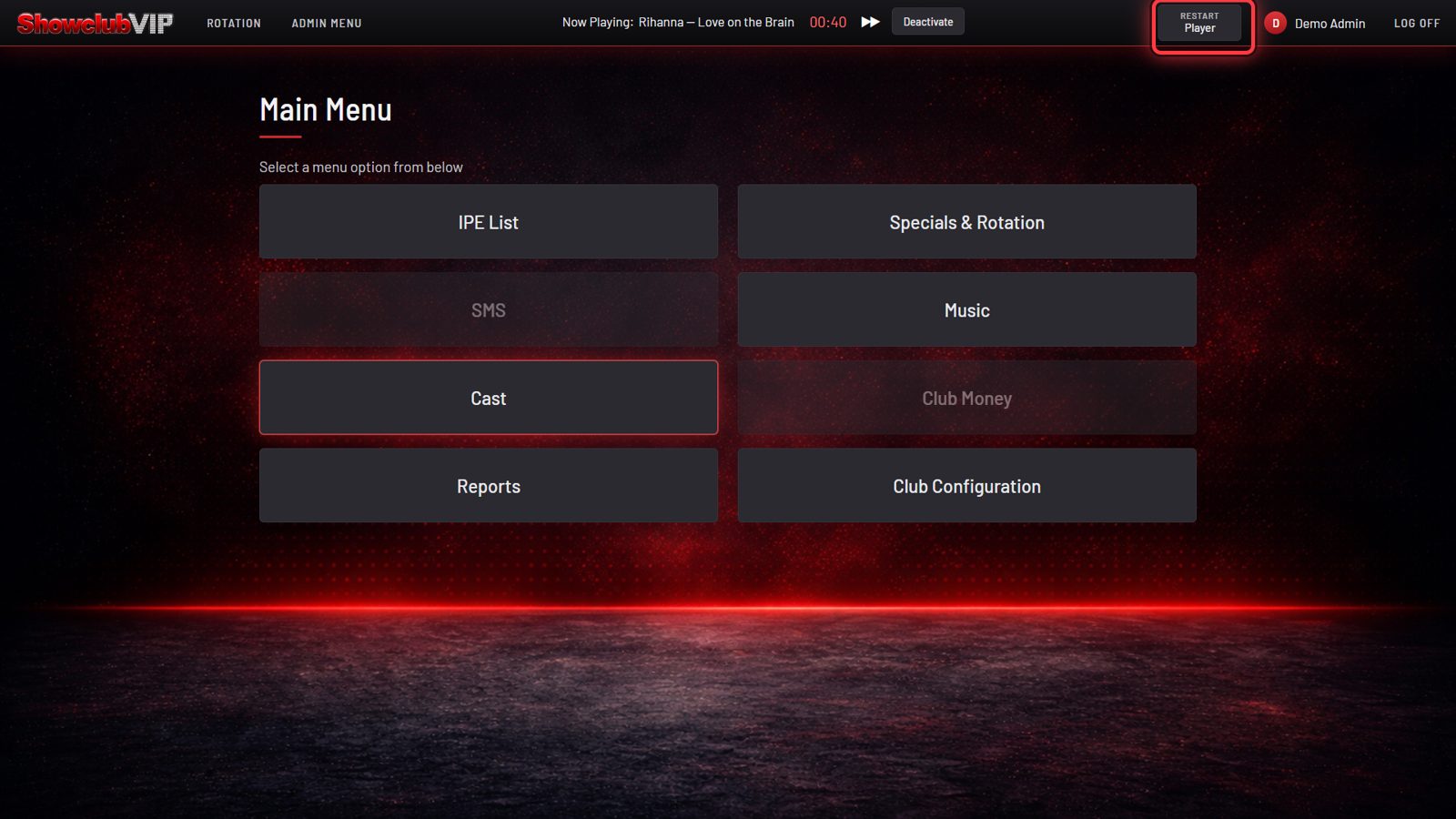
The top bar: Now Playing, skip and Deactivate
The bar across the top stays put on every screen, so the rotation, the menu and the music are always one tap away.
-
Rotation and the Admin Menu
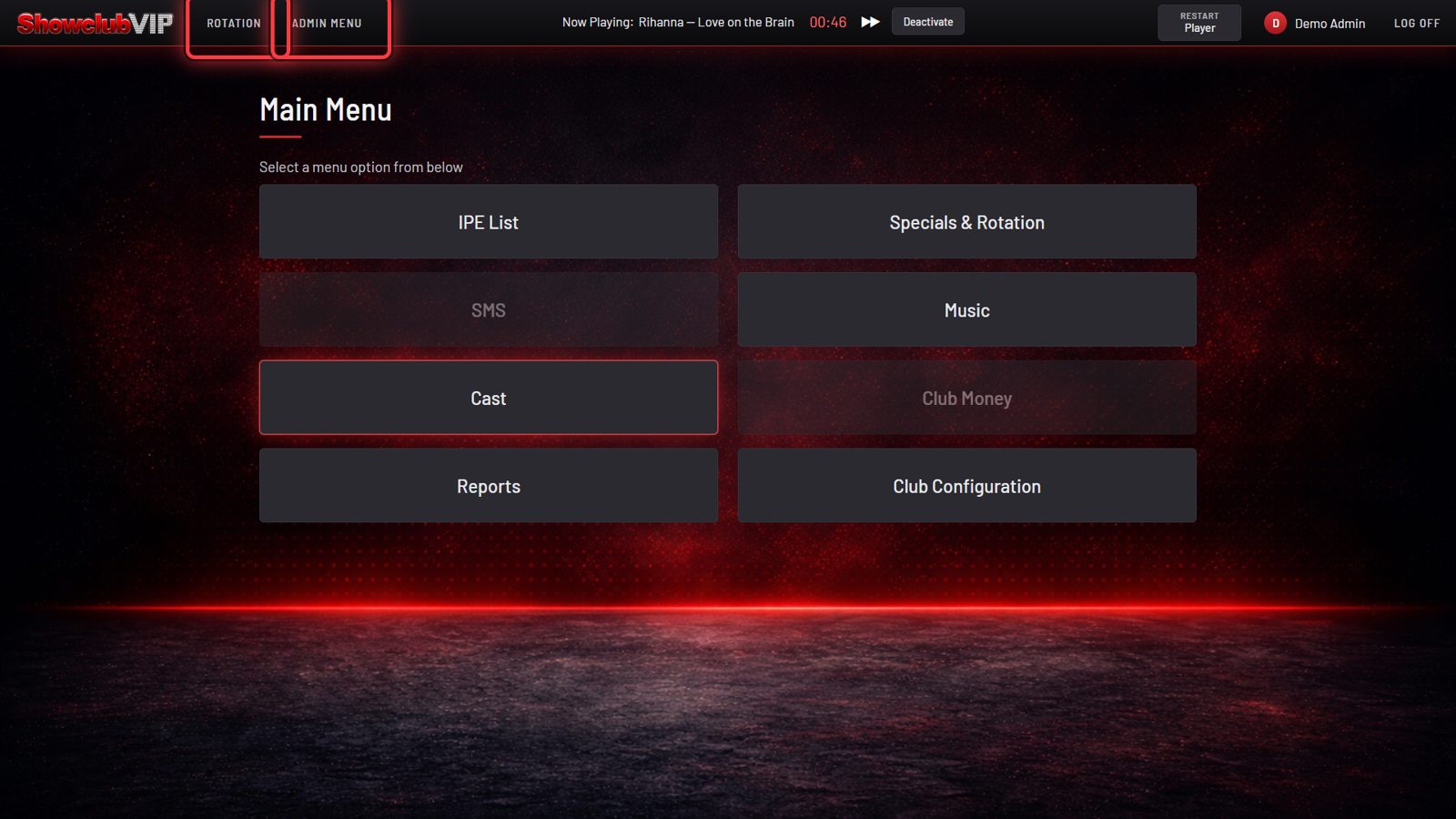
Rotation shows who's on stage and who's up next. Admin Menu goes back to the Main Menu from anywhere. Other links appear beside them for the screen you're on.
-
Now Playing
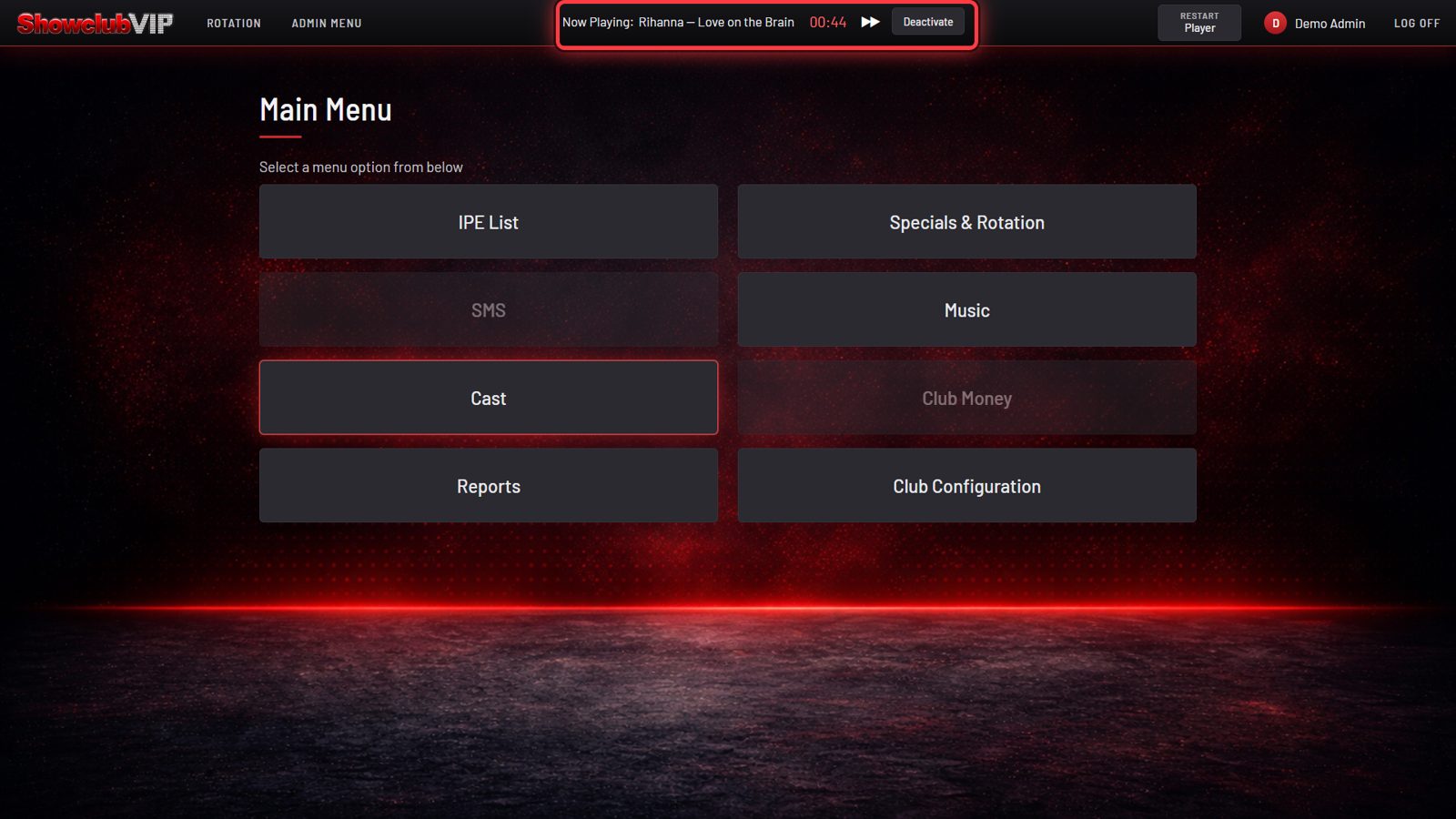
The song playing in the club right now, and the time it has left.
-
Skip ahead
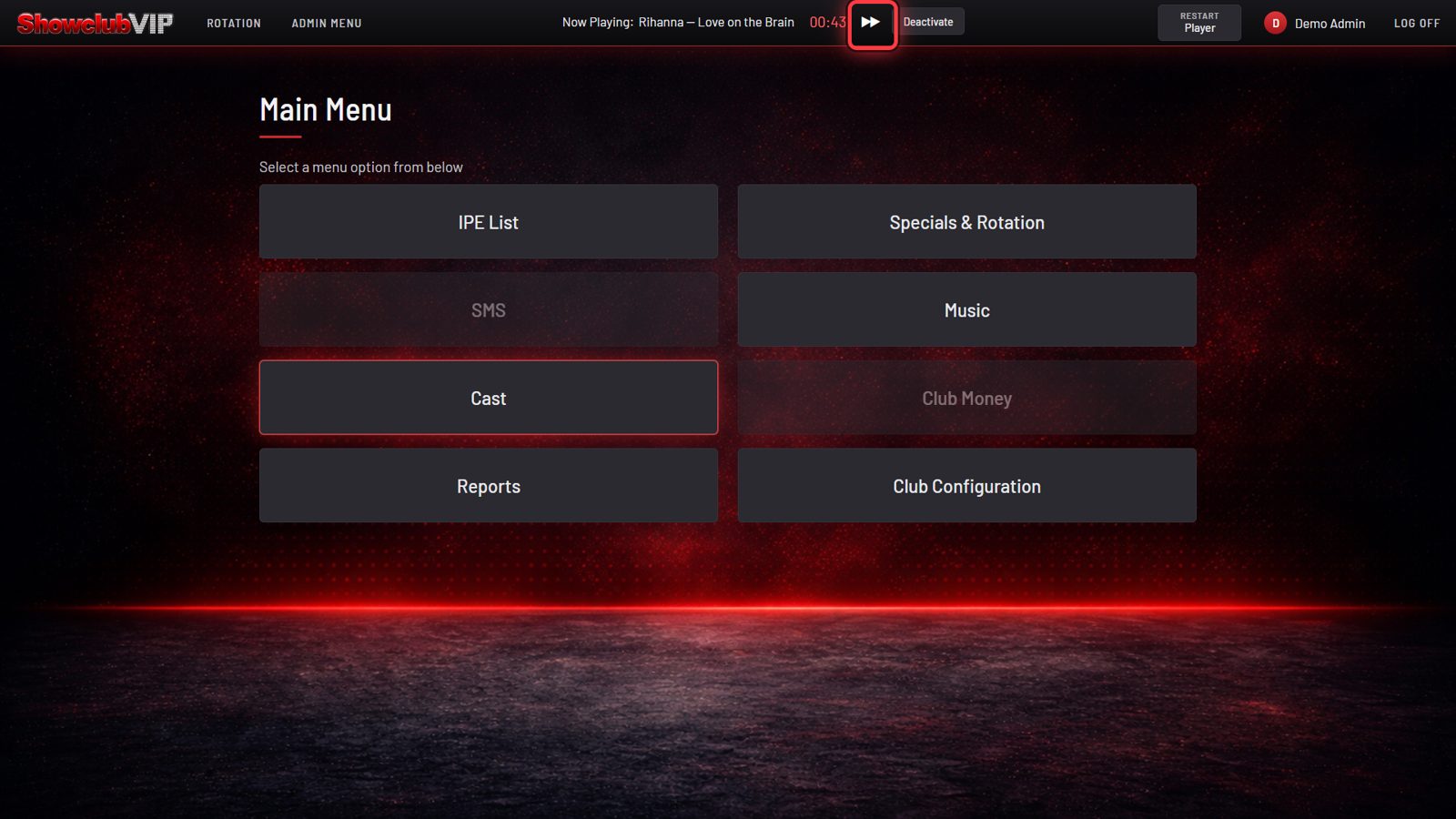
▶▶ skips to the next item in the playlist. Remember that dances are counted in songs: skipping a song an IPE is dancing to cuts their dance short.
-
Deactivate
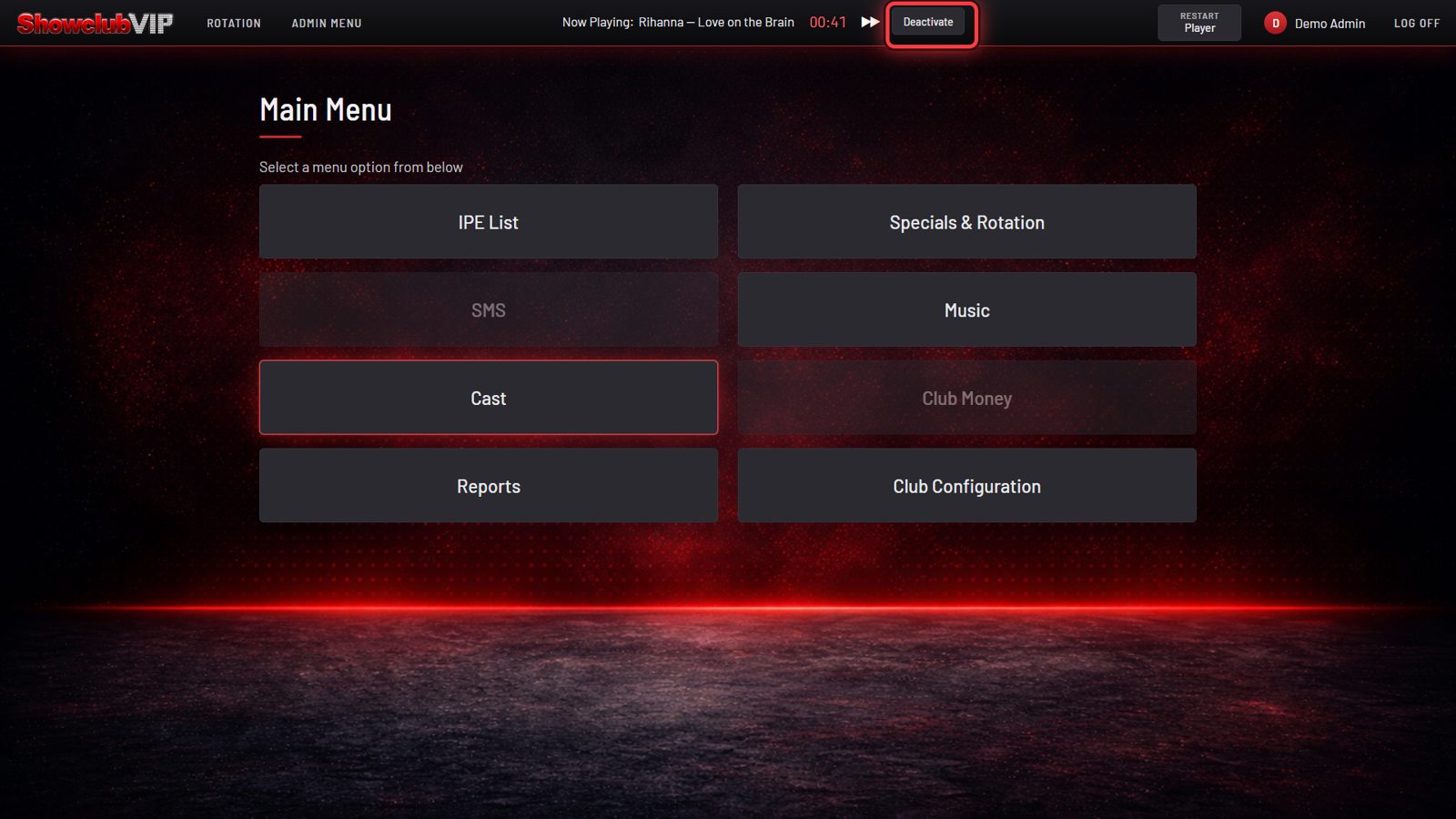
Deactivate lets the song finish, then turns it off so it never plays again. Use it for a song that shouldn't be in the club's music.
-
Restart Player
If the music ever stops, Restart Player restarts the club's music player.
Try it on the live demo
The demo club is the full system, with IPEs checked in and the rotation moving. Ask for your one-time PINs and try it yourself.
Request demo access