Getting started · 1 minute
Changing your PIN
Managers change their own PIN right from the top bar.
Who: Managers and DJs
Where: Booth, kiosk or tablet
Before you start: Signed in, and your current PIN
-
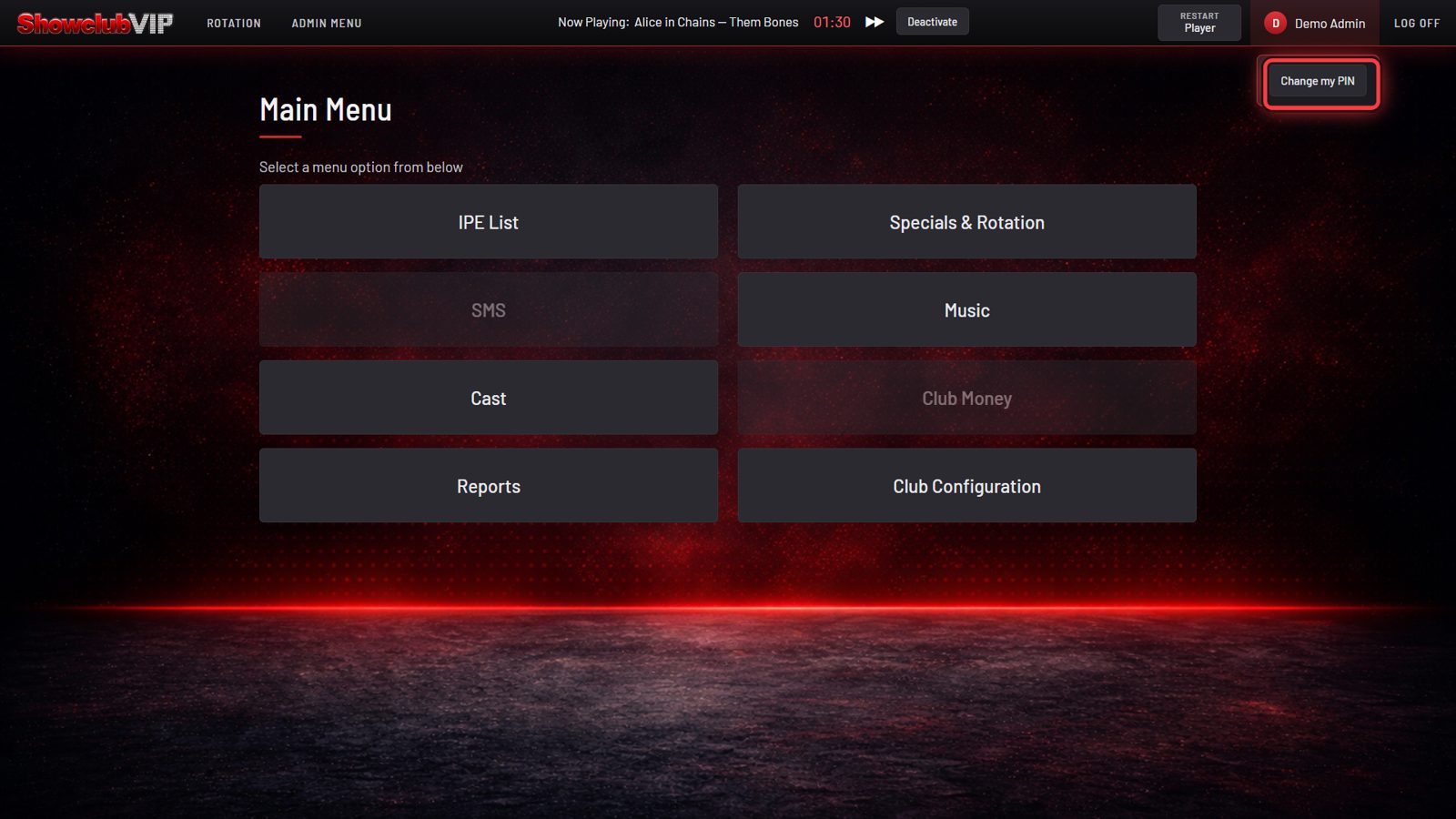
Tap your name
At the top right, tap your name, then Change my PIN.
-
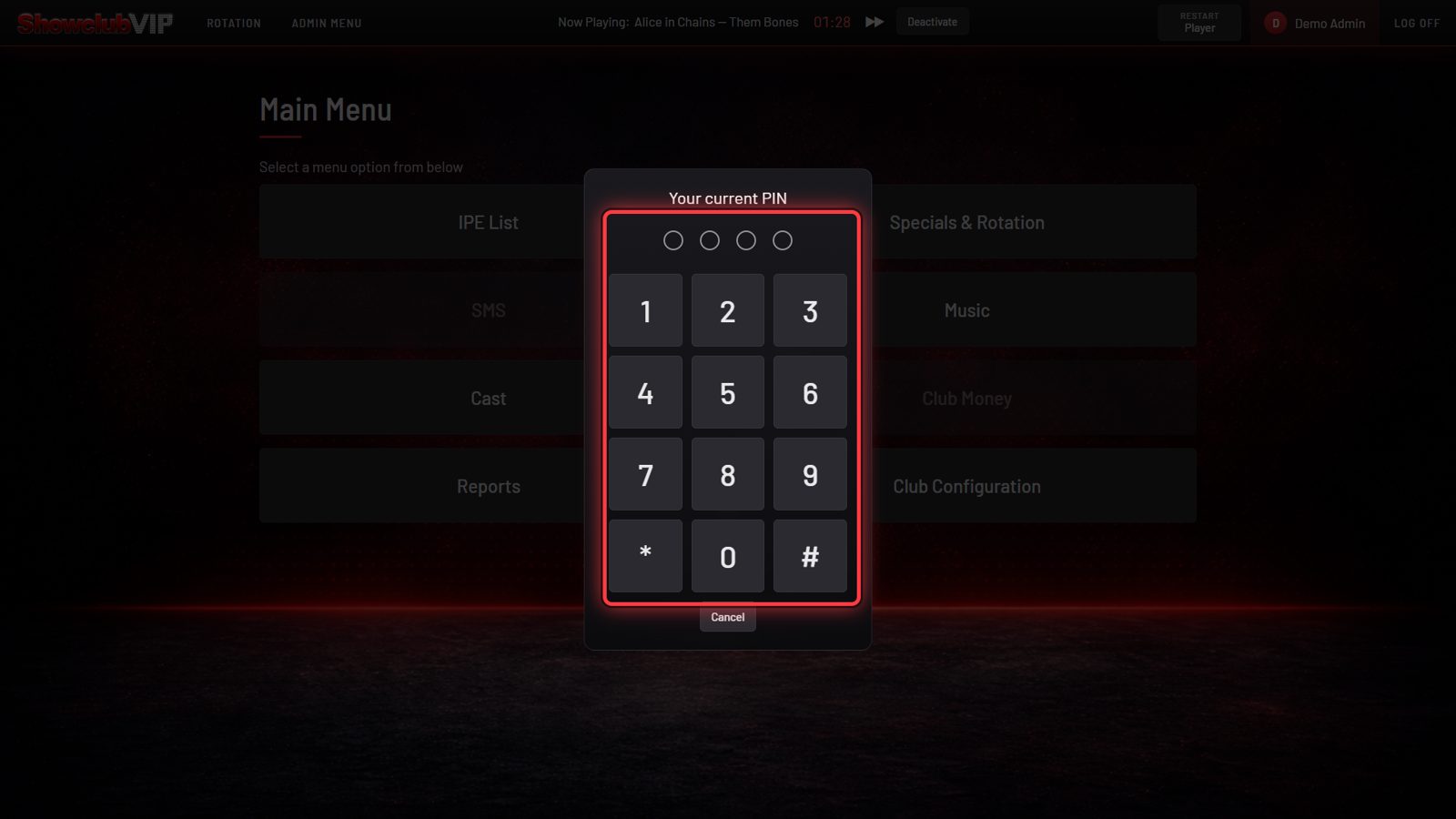
Your current PIN, then the new one twice
Type the PIN you use now. Then type your new PIN, and type it once more to be sure.
- A PIN is four numbers.
- No two managers can have the same PIN.
- Cancel leaves your PIN as it was.
-
Done
You'll see "Your PIN is changed." Use the new one next time you sign in. Forgot your PIN? Email [email protected] and we'll reset it.
Try it on the live demo
The demo club is the full system, with IPEs checked in and the rotation moving. Ask for your one-time PINs and try it yourself.
Request demo access