Music · 1 minute
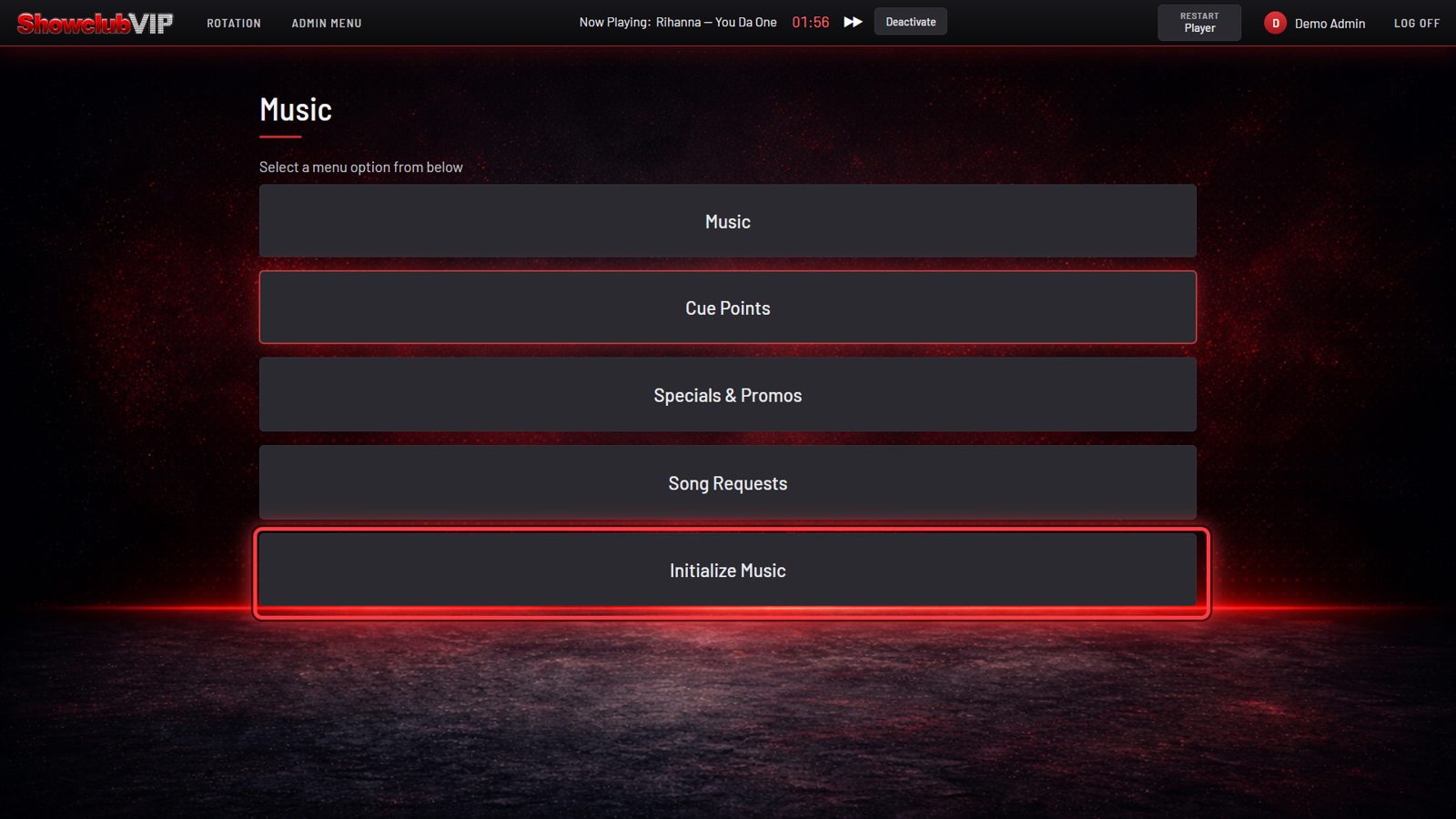
Initialize Music
Starts the library fresh, so every song can be picked again.
Who: Managers and DJs
Where: Booth, kiosk or tablet
Before you start: Signed in as a manager
-
When to use it
Songs that played recently wait before playing again (Club Configuration › Music › Details › Don't Repeat). Initialize Music clears when every track last played.
-
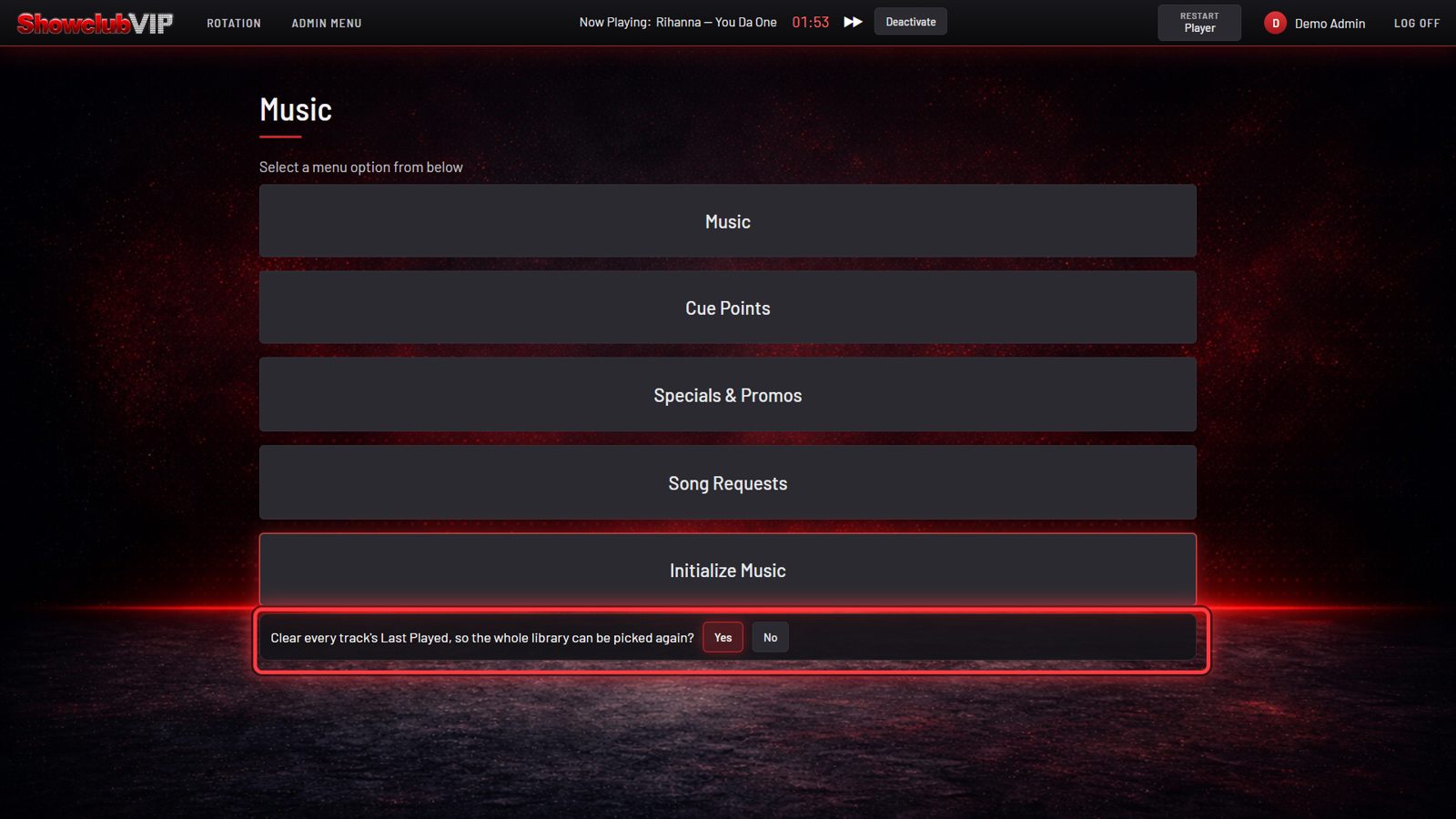
It asks first
Tap Initialize Music, then Yes. No leaves everything as it was.
Try it on the live demo
The demo club is the full system, with IPEs checked in and the rotation moving. Ask for your one-time PINs and try it yourself.
Request demo access