Music · 3 minutes
Requesting a song
IPEs can ask for songs the club doesn't have yet. Once one is approved and in the library, it's on the IPE's playlist. Song Requests is a free add-on: if your club would rather not use it, we can switch it off.
-
The IPE asks
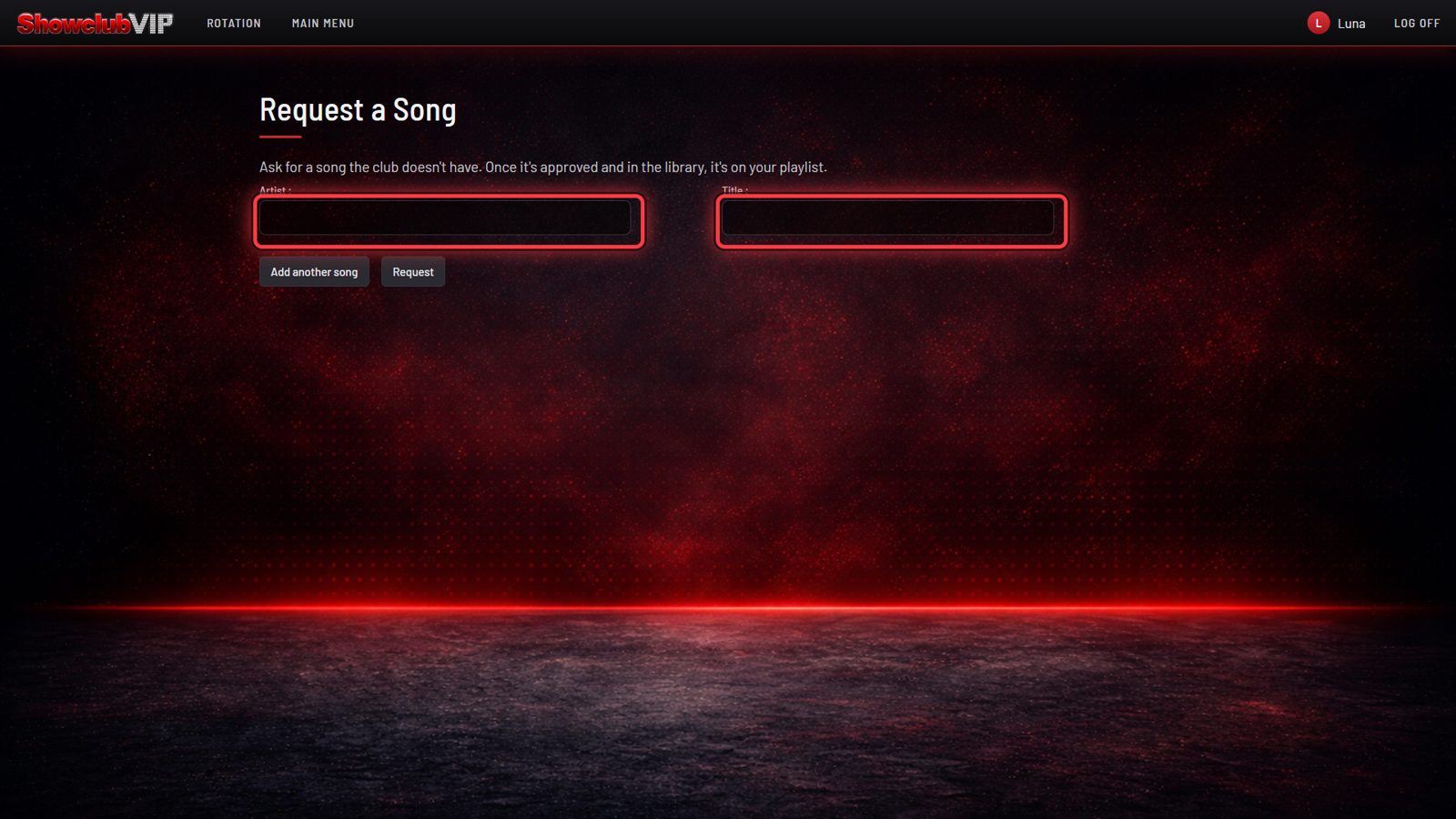
On their menu the IPE taps Request a Song, and types the artist and the title.
-
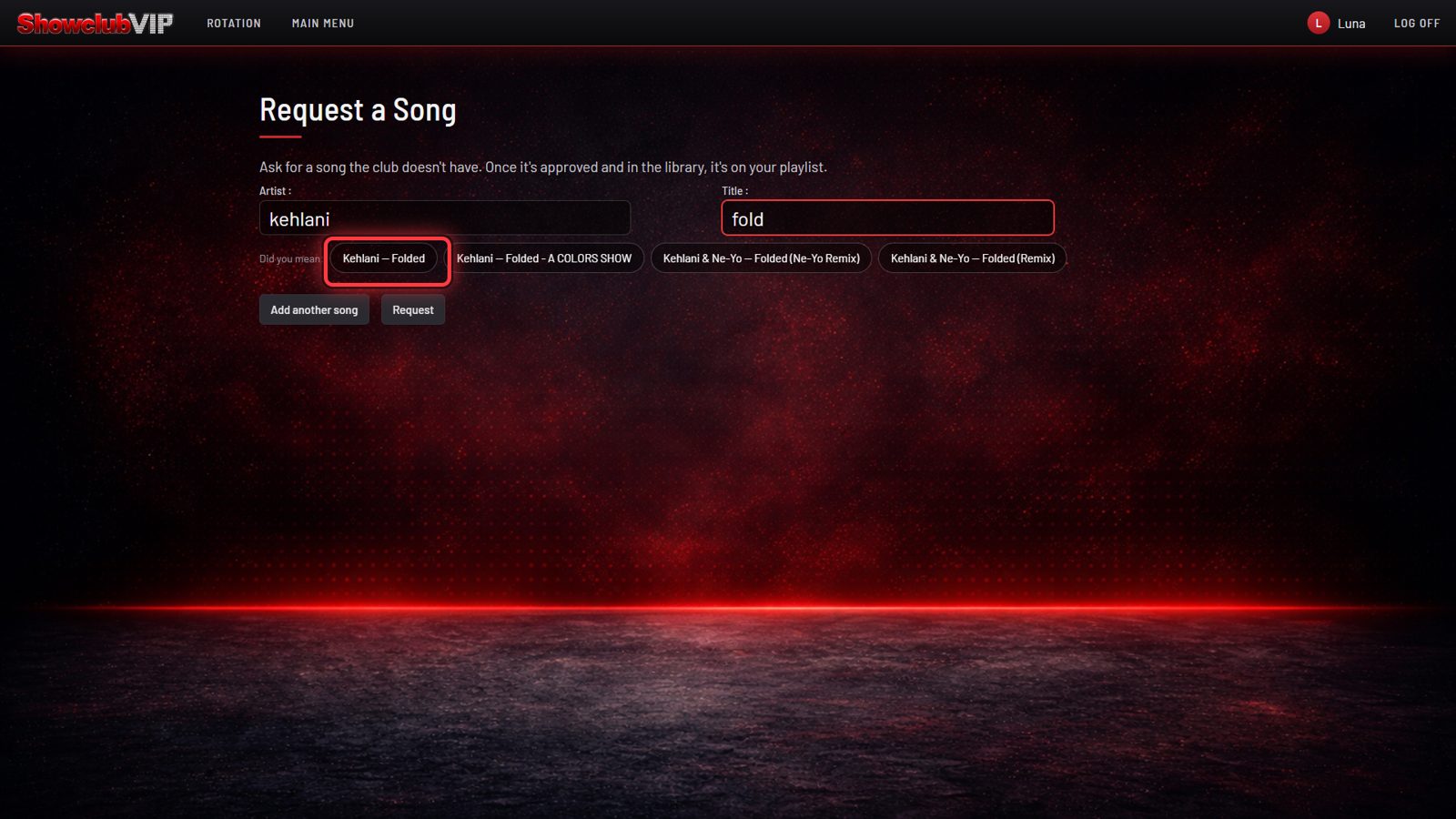
Did you mean
As they type, real songs that match show up underneath. One tap fixes the spelling; then Request. Add another song asks for more than one. A song the club already has says so: they add it to their playlist instead.
-
A manager decides
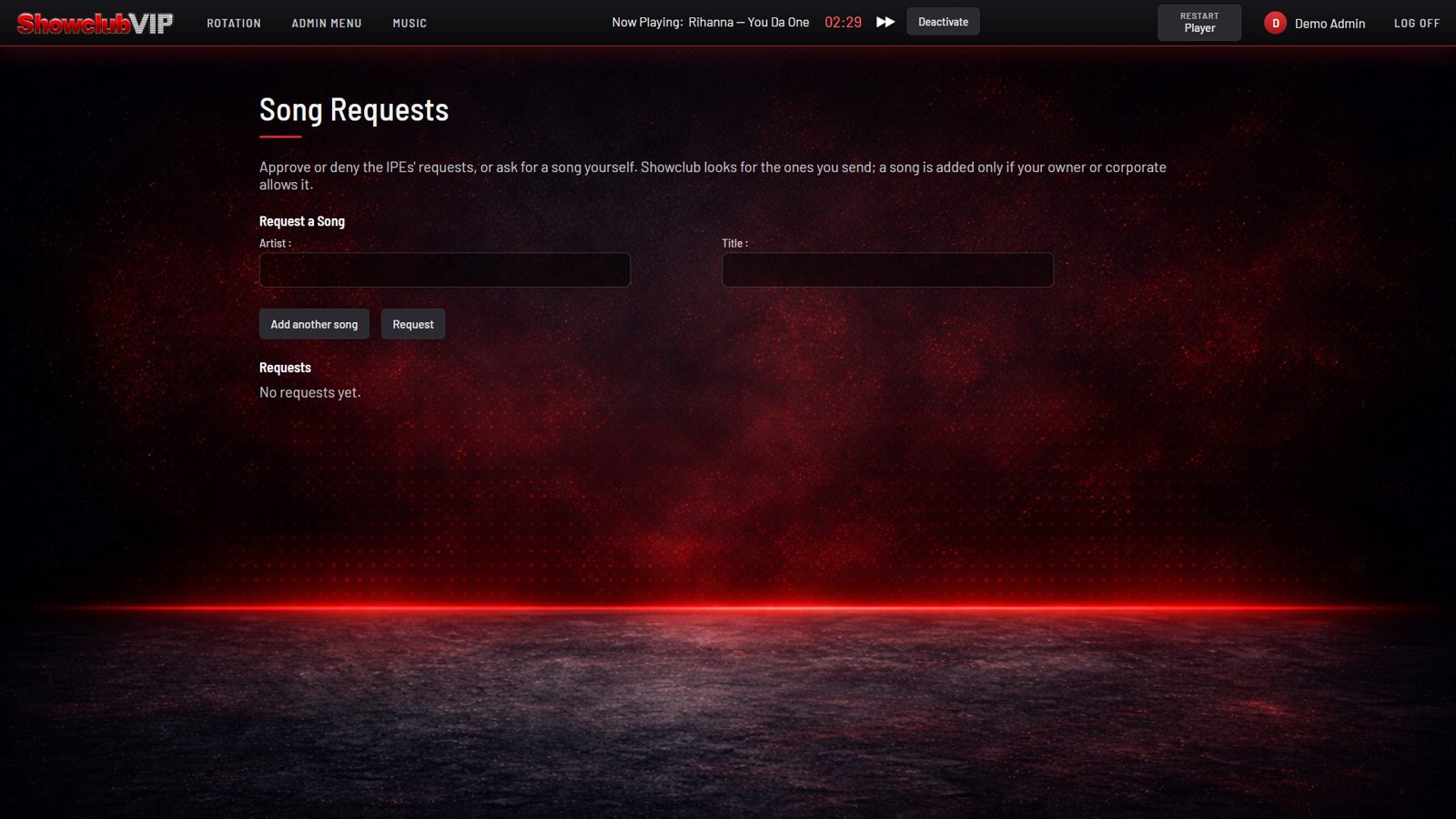
On the Music menu, Song Requests lists every request waiting. Approve sends it on to ShowclubVIP; Deny turns it down. Managers can ask for songs here too. Once the song is in the library, it goes onto the IPE's playlist by itself.
Try it on the live demo
The demo club is the full system, with IPEs checked in and the rotation moving. Ask for your one-time PINs and try it yourself.
Request demo access