Reports · 2 minutes
Running and printing a report
Every report works the same way.
Who: Managers and DJs
Where: Booth, kiosk or tablet
Before you start: Signed in as a manager
-
Pick the dates
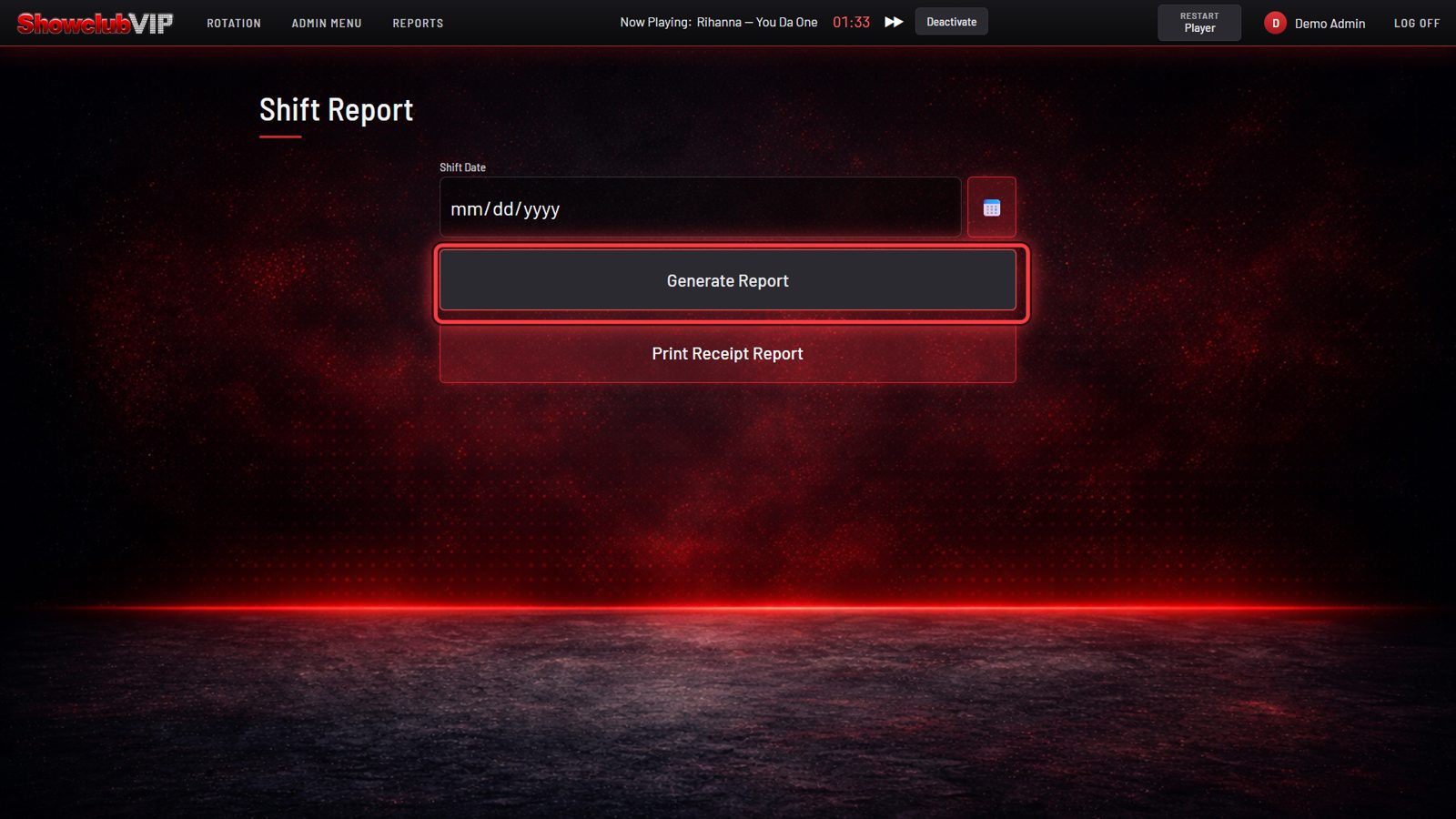
On the Main Menu tap Reports, then a report. A nightly report asks for one date, a summary for a range. Then tap Generate Report.
-
Print it
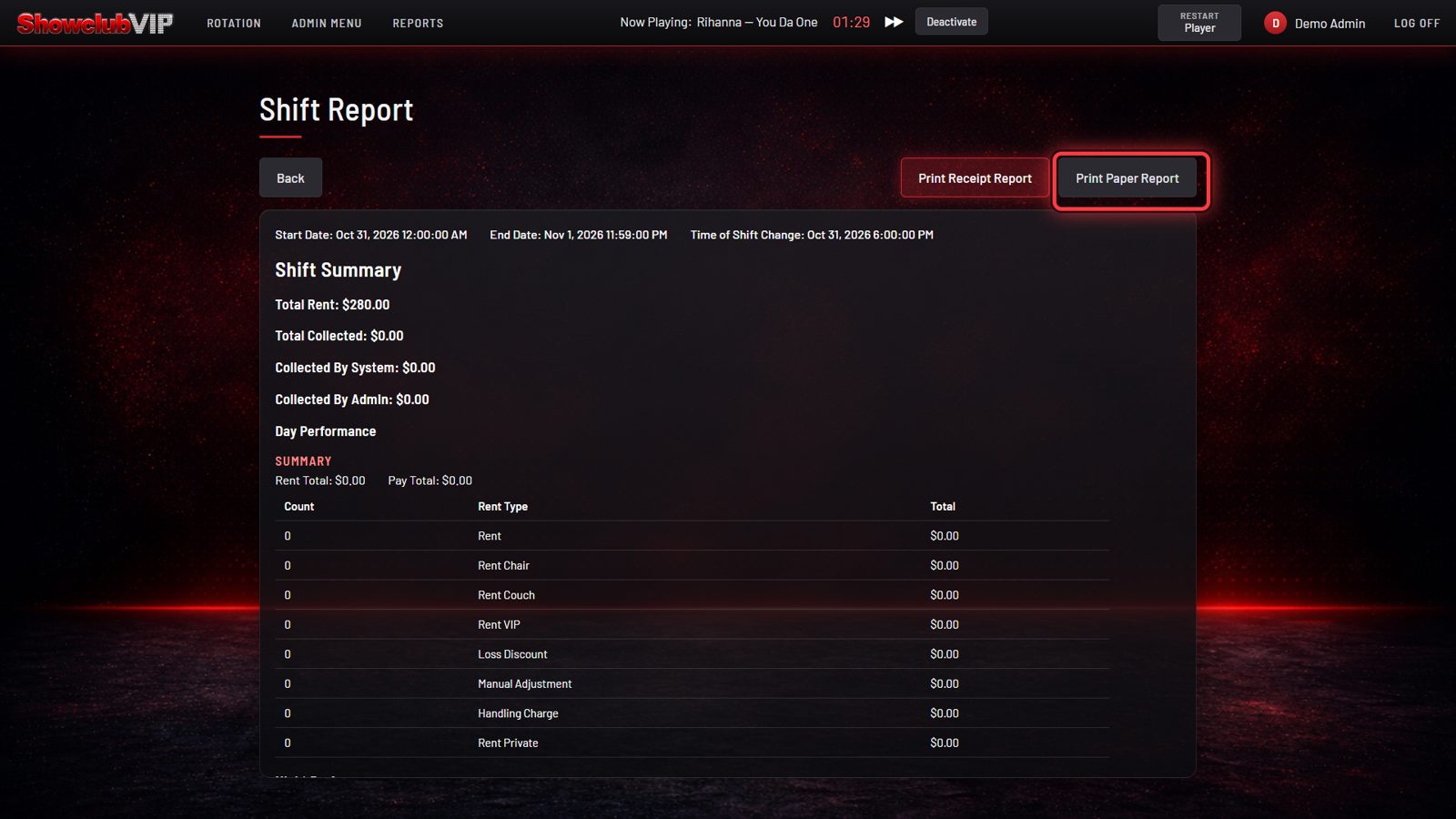
Print Paper Report prints on paper; the nightly reports also have Print Receipt Report for the receipt printer. Back picks other dates.
Try it on the live demo
The demo club is the full system, with IPEs checked in and the rotation moving. Ask for your one-time PINs and try it yourself.
Request demo access