Reports · 2 minutes
Which report to use
What each report shows.
Who: Managers and DJs
Where: Booth, kiosk or tablet
Before you start: Signed in as a manager
-
The reports
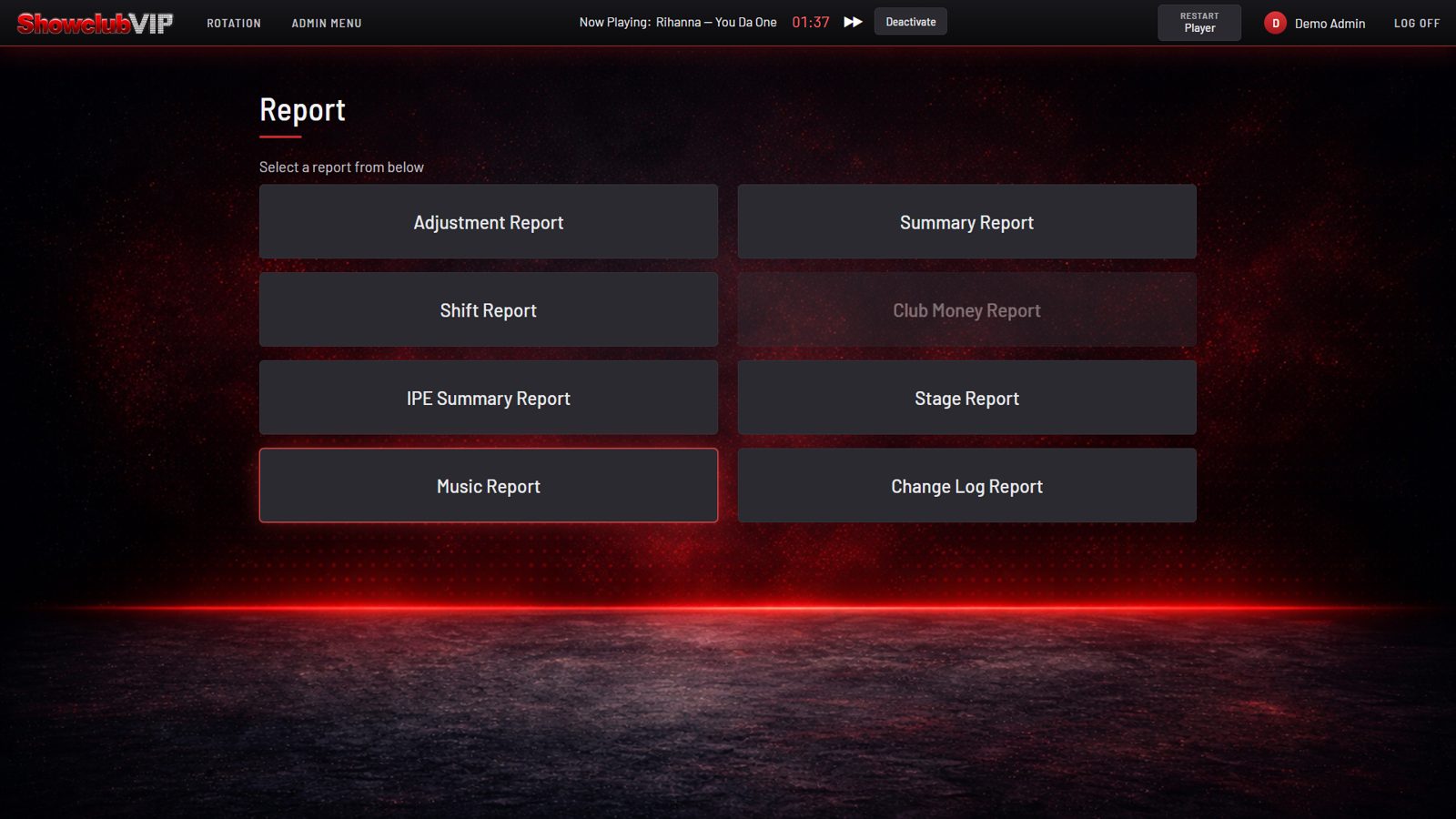
- Shift Report: one night: the rent, what was collected and by whom, then each IPE in the day and night halves.
- Summary Report: each kind of charge totalled over the dates you pick, with everything charged and paid.
- Adjustment Report: every amount taken off: manual adjustments, and dances and rent removed.
- IPE Summary Report: the nights of one IPE, or of everyone, over a range of dates.
- Stage Report: how many times each IPE went on stage in a night, and when.
- Music Report: the most played songs, plays by genre, songs never played, and song requests.
- Change Log Report: who changed which setting, from what to what. Filter it by screen or by person.
- Club Money Report: every piece of Club Money printed and redeemed (with the Club Money add-on).
Try it on the live demo
The demo club is the full system, with IPEs checked in and the rotation moving. Ask for your one-time PINs and try it yourself.
Request demo access