Club Configuration · 4 minutes
Music settings
The [Music] tab of Club Configuration has a row of its own tabs. Tap [Save Settings] after any change.
-
Genre
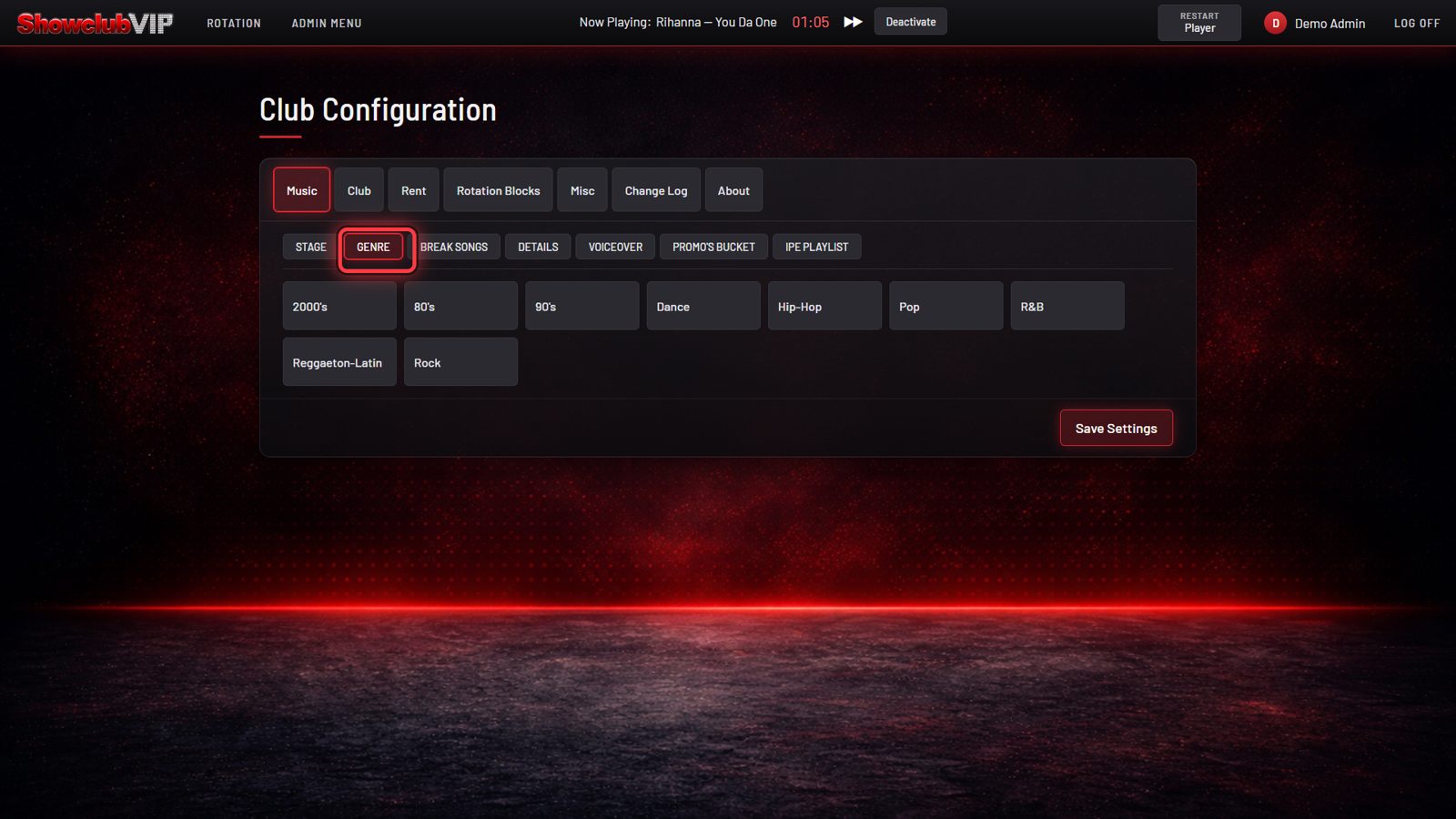
The genres allowed to play. Tap a tile to switch it on or off. Only the genres switched on play, even from an IPE's own playlist; with none on, or all on, everything plays.
-
Break Songs
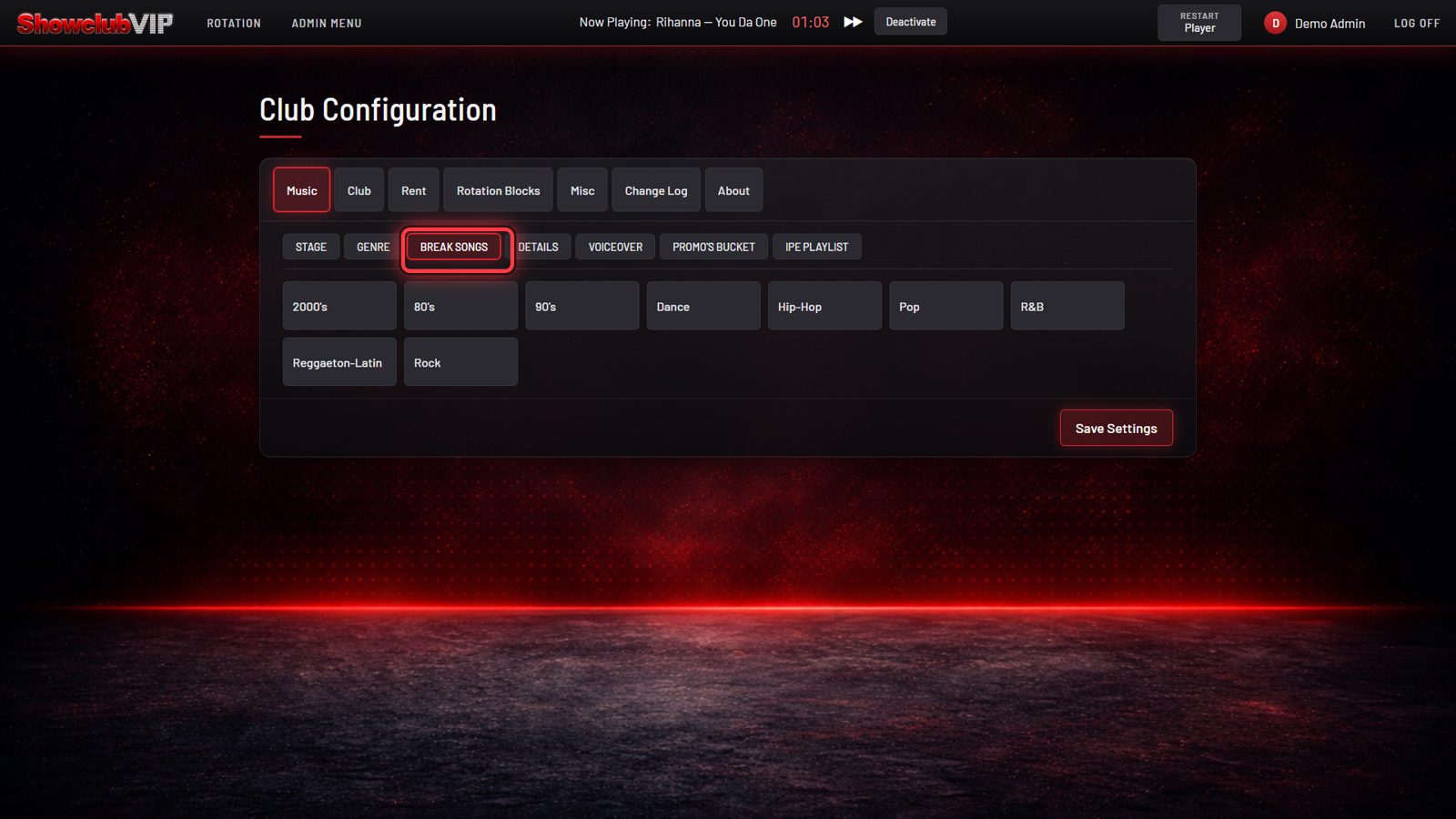
The songs played between sets come from the genres switched on here. With none on, they come from the Genre tab's genres.
-
Details
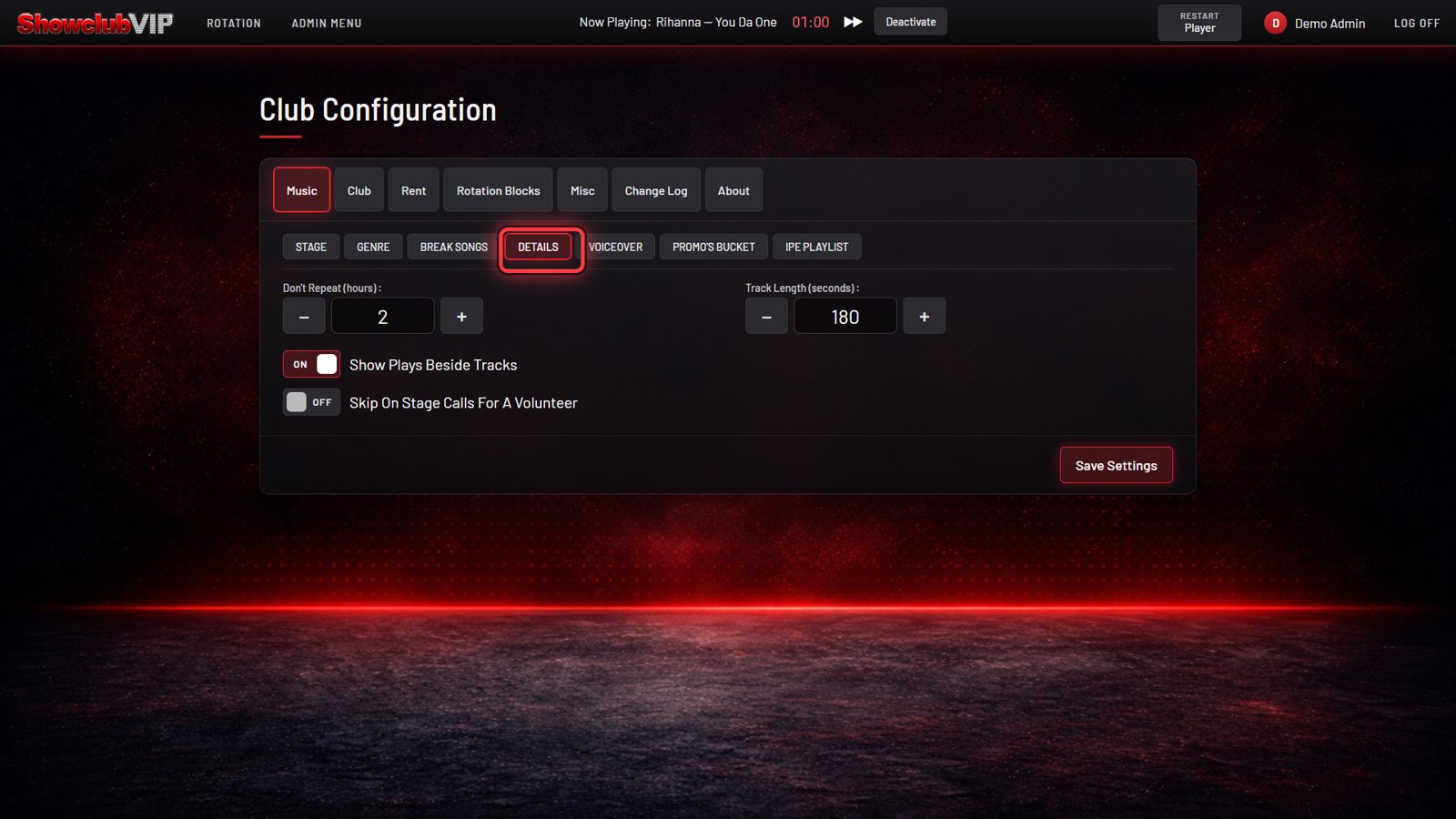
Don't Repeat (hours) keeps a song from playing again for that many hours, and Track Length (seconds) is how long a song plays before it fades. Show Plays Beside Tracks shows how many times each song has played tonight on Specials & Rotation.
-
Voiceover
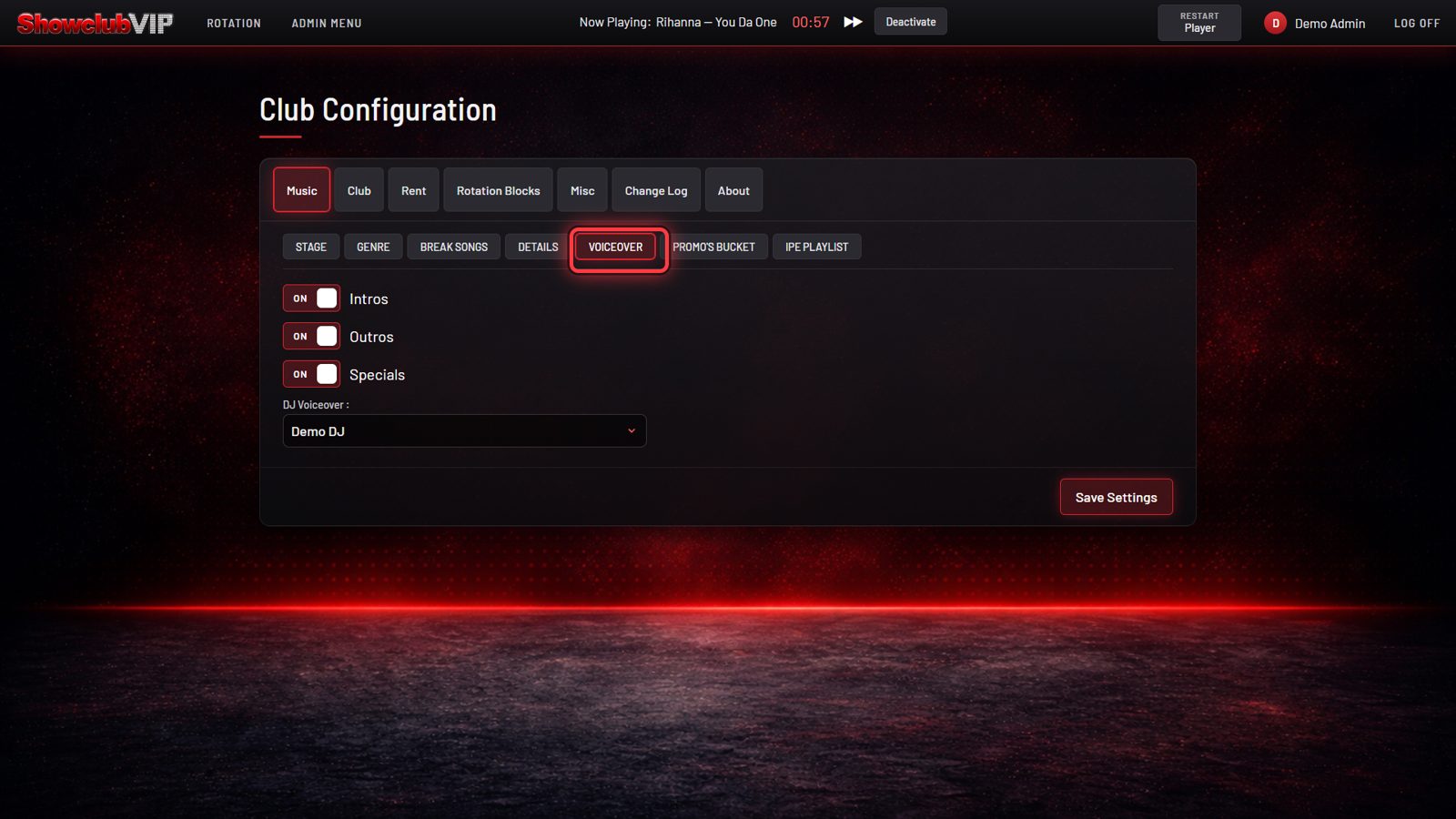
The DJ's spoken Intros, Outros and Specials, each on or off, and which DJ voice says them.
-
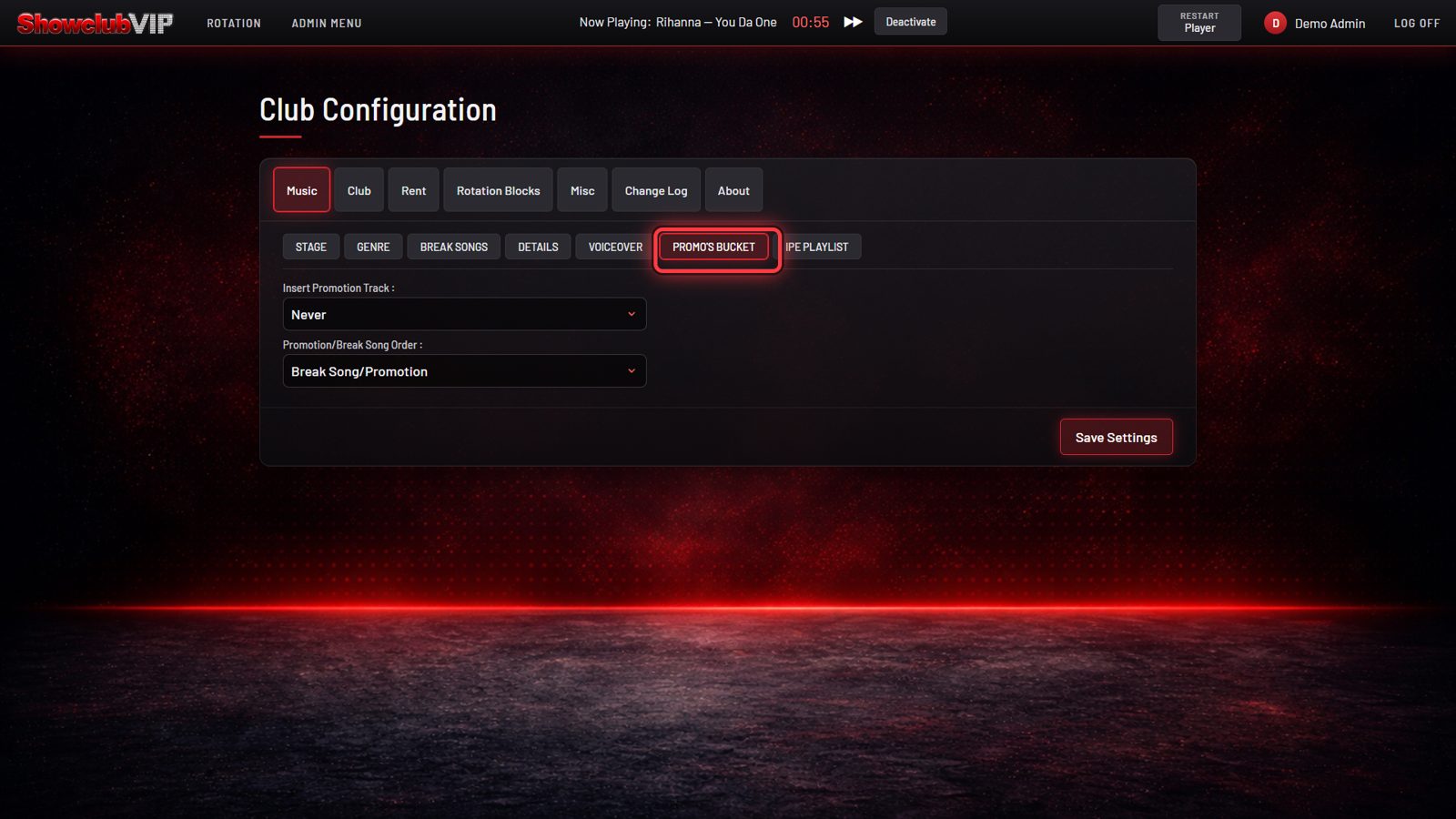
Promo's Bucket
Insert Promotion Track: Never, After Every Set, or After Every Other Set. Promotion/Break Song Order: which plays first between sets.
-
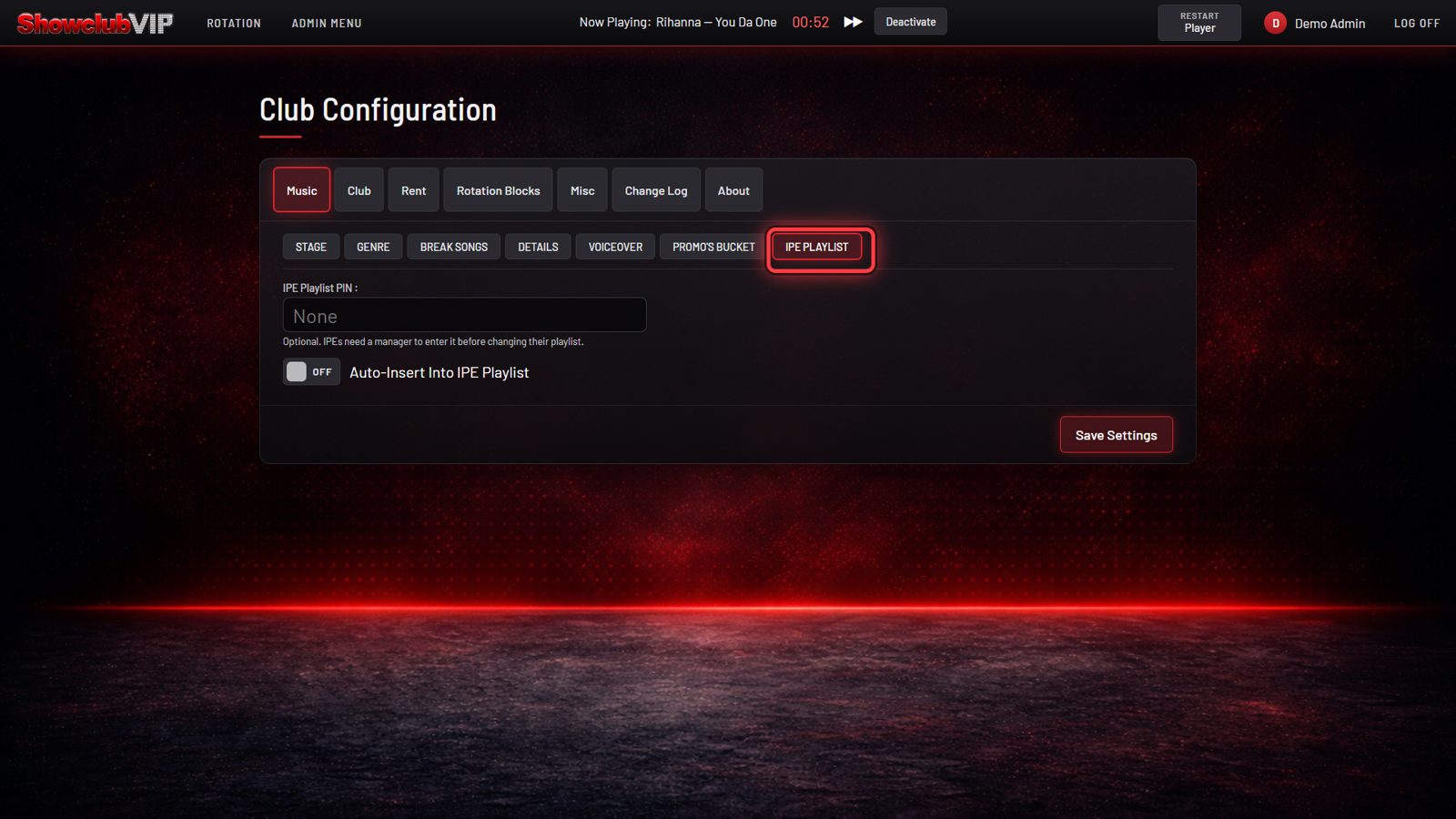
IPE Playlist
An optional IPE Playlist PIN a manager types before an IPE changes their playlist. With Auto-Insert Into IPE Playlist on, a club song added to an IPE's set joins their own playlist too.
Try it on the live demo
The demo club is the full system, with IPEs checked in and the rotation moving. Ask for your one-time PINs and try it yourself.
Request demo access