Club Configuration · 2 minutes
Misc, the Change Log and About
The last three tabs.
Who: Managers and DJs
Where: Booth, kiosk or tablet
Before you start: Signed in as a manager
-
Misc
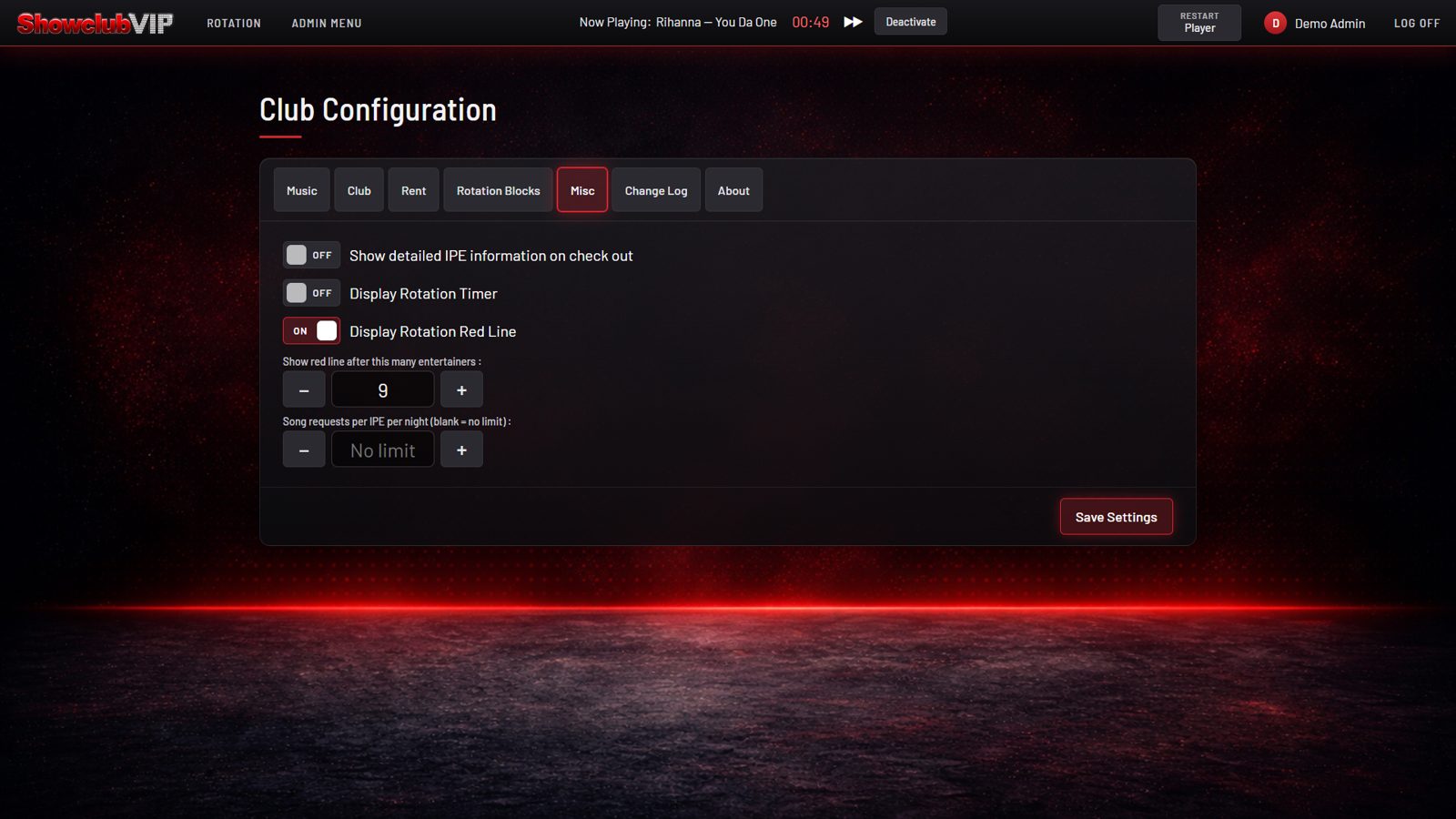
Show detailed IPE information on check out, the rotation screen's timer and red line, and Song requests per IPE per night (blank means no limit).
-
Change Log and About
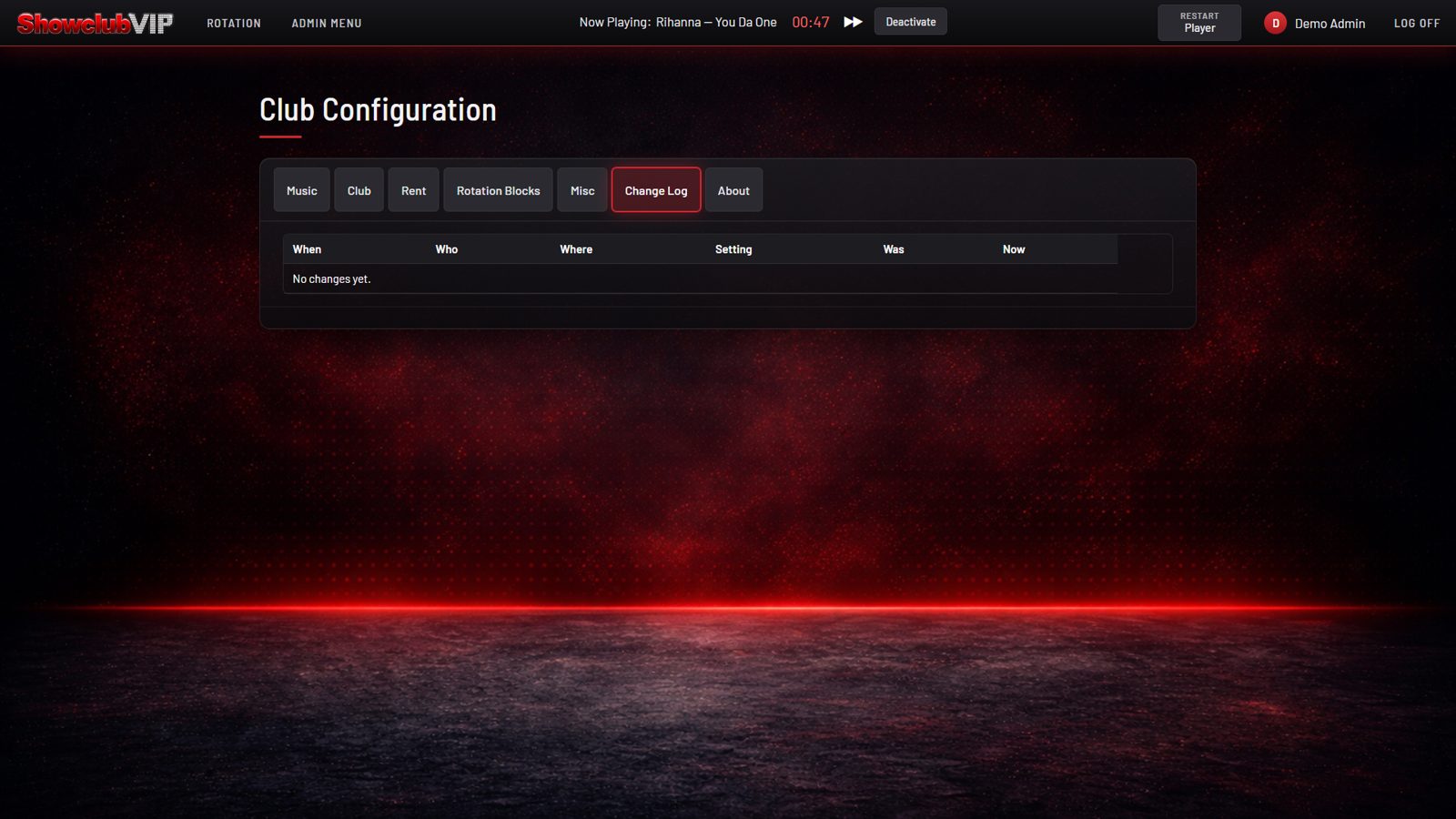
Change Log keeps every saved change: when, who, where, the setting, what it was and what it is now. About shows the version of ShowclubVIP your club is running.
Try it on the live demo
The demo club is the full system, with IPEs checked in and the rotation moving. Ask for your one-time PINs and try it yourself.
Request demo access